


In today scenario, as there is a wide range of competition in almost each and every field. Business owners strive to set their companies or enterprises apart from their competitors. They don’t leave any of the stone unturned in attracting wide range of visitors to their website. The usage of the specific keywords plays a very major role in the top search results that are known as the search engine.
 Looking for SEO Software? Check out SoftwareSuggest’s list of the best SEO Software solutions.
Our selection of these SEO Tool is based on thorough research and analysis. We have listed these softwares based on usability and satisfaction score that include features, ease of use, customer support, ratings, and number of reviews from SoftwareSuggest. Our goal is to help businesses select the right softwares that can help them optimize their business processes.
Ultimate List of Best SEO Tools
We put together a list of the best SEO tools for SEO experts. In this article, we will explore top paid and free SEO tools for keyword research, backlink analysis, content optimization’s, and more in this post. Let’s dive in!
1. LongTailPro

Long Tail pro recently got a new owner. And you know that that actually means? The new ownership team is looking for success. They saw the potential in the Long Tail Pro and determined to make the product much bigger.
Since their change, Long Tail pro moved from being a downloaded application to being based on the cloud, which means that you can now use it on your browser.
Before going on to the cloud, Long Tail Pro was already one of the most popular keyword search tools in the SEO field. They will only make it 10X faster and 10X easier.
Purpose: Keyword Research
2. Morningscore

Morningscore is new and unique, all in one best SEO tool. Apart from all the standard features, it also brings completely new functionality compared to any other SEO. The platform uses the gamification combined with the smart SEO guidance and suggestions to help you prioritize an essential task for your client SEO. Additionally, here, you will experience a whole new workflow combined with the user-friendly interface, which helps to save you a ton of time.
They also lookout with their fast releases. Either the new tools or improvements to existing ones are released each and every month, that is why the platform is growing at a fast.
Purpose: SEO Audit, Rank Tracking, Backlinks, Keyword/Competitor Research
Some of their main features:
- SEO for business: Fast analysis where you get a quick estimate of a business or client.
- Full Backlink profile: Their partnership with the Ahrefs bring you the best backlink data.
- Manual Backlink Checker: Enter the URL of your newly built backlinks and get them crawled, great for the client reporting as well.
- SEO Missions: The Trello of SEO where you can easily manage your campaigns straight in the platform.
- SEO Audit: It gives you only the most essential metrics without any extra bloat.
Interesting read: 10 Technical SEO Mistakes That Could Be Ruining Your Rankings
3. NinjaSEO

NinjaSEO by 500apps is an best seo tool for website audit, used to optimize the website for on-page and off-page SEO. Audits the website to identify and fix all the issues that hamper the performance of your website on search engine results pages.
Helps to increase the online visibility by improving the page rankings. Expedite the link building opportunities. Generate your own sitemaps. Make website search engine friendly.
Get access to 37+ apps for $14.99 per user.
Purpose: SEO Audit, Website Crawler, Keyword Rank Tracker, Backlinks Analyzer, Link Builder
The top features which are extremely beneficial are:
- Web Crawler: Crawls and indexes the website to make content accessible for search engines.
- Keyword Rank Checker: Ultimate keyword tool to find relevant keywords and track rankings of your website in any country.
- Backlink Analyzer: Track the status of all backlinks whether live or dead of any website in one place.
- Linkbot: Fetch the author’s contact details from various published articles and increase the link-building opportunities.
- Page Grader: Grade pages against 39 industry-standard rules and optimize your website with the right keyword targeting.
4. SEMrush: Marketing SEO Tools

SEMrush is an all in one SEO auditing tool that lets you audit your SEO opportunities and gather some of the insights from your competitors to grow your site traffic.
With the help of SEMRush, you can easily identify essential organic keywords for your site that is easy to rank for, websites where you can easily build backlinks from, collect the brand mentions for seizing some of the promotional opportunities, and a lot more.
Purpose: keyword research, SEO audit
Some of the top SEMRush features that you will find immensely helpful are:
- PPC Keyword tool
- Backlink audit tools
- On-Page SEO Checker
- Content Analyzer
5. Ahrefs – The Ultimate SEO Tool
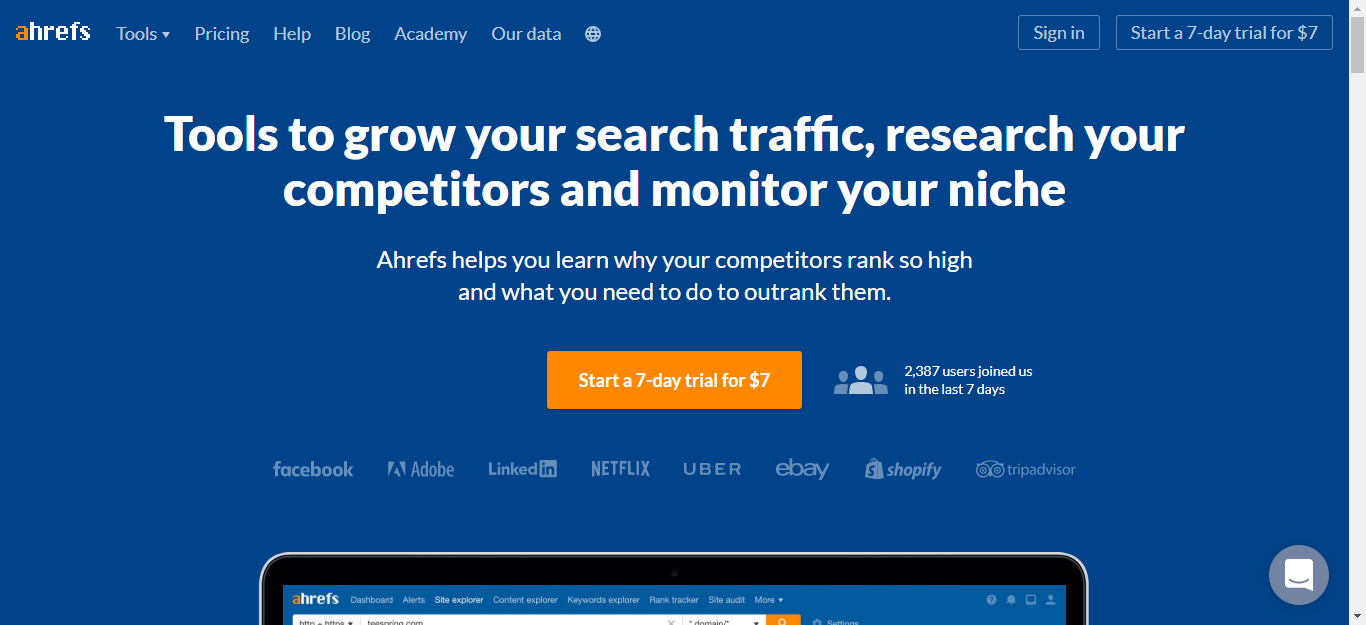
Ahrefs is another SEO tool that offers a wide range of SEO analysis tools to improve your search engine rankings and grow your organic traffic. With the help of Ahrefs, you will get a much more detailed organic search report that shows you the exact keyword your competitors are ranking for in the search results. It also gives you keyword ideas that you can target to increase your brand exposure and search discovery.
Its backlink checker tool is a real feature for each and every SEO expert. Just you have to insert a URL into their Site Explorer tool, and you will find a valuable SEO metrics about the link.
Purpose: SEO rankings
6. Google Analytics

Google Analytics can be used as a monitoring tool for SEO, but it is vital if you easily want to get the most out of your efforts for SEO. Google Analytics provides you many more insights on the essential data such as the traffic sources, organic traffic, time on site, page speed, bounce rate, and much more.
All of this information will easily allow you to see what is working on your website and what is not and give you insights on how to boost your SEO, get more traffic to your site, ad increase conversions.
Purpose: Website Analysis
7. Yoast SEO

Yoast SEO is one of the best and updated SEO tool and plugin that allow you to easily and gradually optimize your WordPress website for better keyword search engine rankings.
Just like the other WordPress SEO Plugins, Yoast SEO forces you to choose a focus keyword for your blogs and then make sure that you use it on the page appropriately. Yoast SEO reveals your SEO snippets within your page editor of WordPress. That way, you can easily and gradually edit your meta description to improve your click via rates in the search results greatly.
Purpose: Keyword and meta description
8. Google Search Console
Google Search Console is the best SEO tool that offers you detailed insights into your website’s performance on the Google search results. With the help of a Google Search Console, you can easily identify how Google views your site and optimizes its performance in the search results. For example, you can easily identify:
- Your customer geographic location
- The landing pages with which visitors entered to your website
- The search queries that triggered impressions and click on the Google
- The device your users use on Google to open your site.
Purpose: Website Performance
9. Moz

Moz is a collection of some of the great marketing tools that offer all the essential information in a nutshell. There are some of the free SEO tools that are much more useful, like the Open Site Explorer, which is a backlink tool for analysis that offers helpful metrics similar to the link equity. Another best tool is the Mozbar, which is a browser toolbar that offers all the key features of Moz to the present page.
Purpose: Keyword Research, Website Performance
10. Siteliner
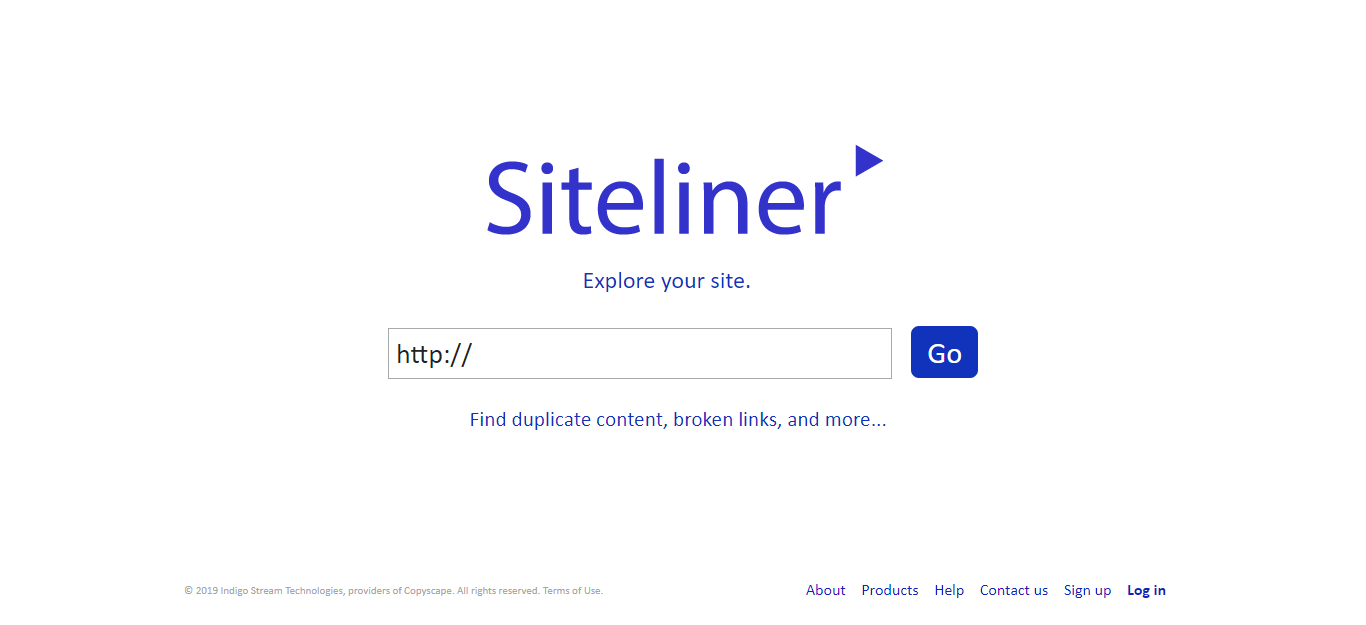
Siteliner helps you to find the content on your website, which is duplicated and plagiarized. It is recommended to all the website owners to have content, which is original and what is plagiarized.
Google Punishes the site which has identical content. Moreover, one should have to make sure that content on the website is drafted carefully and only after the good research.
With the help of a Siteliner, you can easily scan your website for duplicate content, average page size, broken links, speed, and a lot more.
Keyword: SEO Analysis Tool
11. BuzzSumo

BuzzSumo is one of the top SEO tools that lets you analyze which type of content platforms best for any topic and breaks down the performance by the various metrics across the keywords, websites, etc. You can simply start by entering your keyword into the search box and then discover what content performs best for it.
With the help of BuzzSumo, you can also find key influencers to promote your content so that you can pitch to them with the help of email outreach.
Purpose: Content Checker
12. Google Keyword Planner

If you need help choosing the target keyword or are ready for your next PPC campaign, this tool is one of the great places to start with. As its tagline reads: Plan your search network campaigns, get performance insights, and see the keyword ideas.
Purpose: Keyword Research
13. Monitor Backlinks

This tool will email you a daily summary of changes to your backlink profile – backlinks you’ve gained, backlinks you’ve lost, and backlinks that might have changed in status, such as from dofollow to nofollow. It will also help you keep an eye on your competitors so you can stay on top of new link opportunities and help you monitor your keyword rankings.
Purpose: Monitor Backlinks
14. Rival IQ

This is a comprehensive SEO tool used for competitor research. In terms of SEO, you can enter all of your competitor’s domains and it will go out and find their domain authority, number of backlinks, organic search traffic, SEO titles, meta descriptions, and much more. If you have to do SEO audits, it’s a dream come true.
Purpose: Competitor Research
15. Impactana
This is a one of the finest SEO tool that is perfect for those who are creating content with SEO in mind. It’s similar to BuzzSumo in the fact that it will let you find the most popular content based on social popularity. But it goes beyond that and also shows you the most popular content in terms of number of links that it gained. So when you’re in doubt about whether a certain type of content will generate backlinks, you can use this tool to find out.
Purpose: Creating SEO focused Content
Interesting read: Types of SEO: How Can It Help Your Site To Succeed?
5 Best SEO Tools to Maximize Conversion
1. Google Analytics
The first piece of SEO software you should be checking out is Google Analytics. With Google currently holding around 63% of the analytics market, Google Analytics is a must. As Google Analytics is one of the most popular pieces of software, there are a variety of 3rd party tutorials that show you how to use it. The software is easy to install and free to use and can help you analyze where your traffic is coming from, as well as who your visitors are.
2. Clicky

Another free SEO tool to consider using is Clicky. One of the most interesting features of this software is that you can track the visitors that access your page in real time. You can also track which pages visitors are landing on. Also, the use of custom cookies enables you to track visitors by name and see how much they visit your page.
3. SEOCrawler
SEOCrawler is another tool that every SEO expert needs. The tool can help boost your visibility, rankings, and conversions. There are various features that you can make use of, such as the rank tracker which helps monitor your ranking across all search engines, as well as competitor’s inspection which tracks and checks how your page stands against your competitors. Creating an account allows you to try the software for free.
4. Chartbeat

Chartbeat is another best SEO tool to consider. This software prides itself on its social media interface, which enables you to see how well your page is performing. You are also able to get a better idea of page loading times and how these are affecting your bounce rate. Chartbeat is easy to use which makes it one of the most popular options on the market. However, bear in mind that the software is not free to use with prices ranging from $9.95 – $149.95.
5. Woopra

Woopra is a free to use premium analytics tool that has several robust features. No matter whether you are a small blog owner or an enterprise user, you are sure to find the software valuable. Some of the benefits of using Woopra include a friendly customer service team who can help get your page up and running, as well as real-time analytics which enables you to view what is happening on your page. You can also use Woopra on your smartphone, with the app being available for both iOS and Android users.
It is important that you are up to date with the best SEO tools around, so make sure that you take the time to look through each of the options listed and give them all a try.
6. SERPwoo

This isn’t going to help you get rankings at all. It’s not going to uncover hidden, profitable keywords, but it will help you understand the movement of the search results. As long as you properly analyze the results, you can tell what is working for who, and you can also pick up on any algorithm changes by keeping a close look on the SERPwoo results. The data revealed inside SERPwoo, is pretty intense and can be overwhelming for beginners. Don’t be scared though, it’s an amazing tool.
To Sum Up
Above is a brief description of the best SEO tools that are available in the market. All these tools are different in their own way and even possess some of the unique features. You should use them together in order to do proper SEO.
Moreover, if you want to perform the SEO of a website, then it is better to use some of the paid versions of the above tools. This is necessary because the free SEO tools will not be able to provide you with premium features.

A Digital marketing expert with a passion for all things digital. With a wealth of experience in the field, can excel at crafting and executing data-driven marketing strategies that drive results. Also, loves to travel and explore new things.


