


Identifying the ideal Task Management Software to suit your specific requirements can be challenging. Compare Trello and Kanbanchi for G Suite side by side to understand how they differ across the factors that matter most. Discover key similarities and differences in Trello vs. Kanbanchi for G Suite to determine which solution best fits your business requirements.
SoftwareSuggest offers verified & unbiased user reviews based on user ratings and feedback. Our ratings and reports do not contain any paid placements. Learn more about our ranking methodology.


Quick View
Compare the most important details of Trello and Kanbanchi for G Suite at a glance
Effective Collaboration
Intuitive Drag And Drop
Flexible Board Customization
Simple Setup And Adoption
User Friendly Interface
No pros reported yet
Overwhelming With Many Projects
Inadequate Mobile Experience
Limited Automation Options
Limited Advanced Features
No Offline Access
No cons reported yet


Reviews and Ratings
Kanbanchi for G Suite Review

Pricing
Compare pricing of Trello vs Kanbanchi for G Suite with the following detailed pricing plan info. Trello comes in 3 packages: Free, Business Class, Enterprise. On the other hand, Kanbanchi for G Suite comes in 2 packages: Starter , Professional.
- Free Plan
- Free Trial
- Free Plan
- Free Trial
Features
Compare between Trello and Kanbanchi for G Suite based on their key features and functionalities to pick the right one for your business.
- Percent Complete Tracking
- Cards
- Timeline View
- Lists
- Time Tracking
- Activity Log
- Custom Fields
- Advanced Checklists
- Collaboration
- Calendar View
- Workspace
- Butler Automation
- Comments
- Card Aging
- Checklists
- Percent Complete Tracking
- Cards
- Timeline View
- Lists
- Time Tracking
- Activity Log
- Custom Fields
- Advanced Checklists
- Collaboration
- Calendar View
- Workspace
- Butler Automation
- Comments
- Card Aging
- Checklists
Get Software Recommendations That Fit!
Tell Us Your Needs. We'll Find The Right Options.
Media
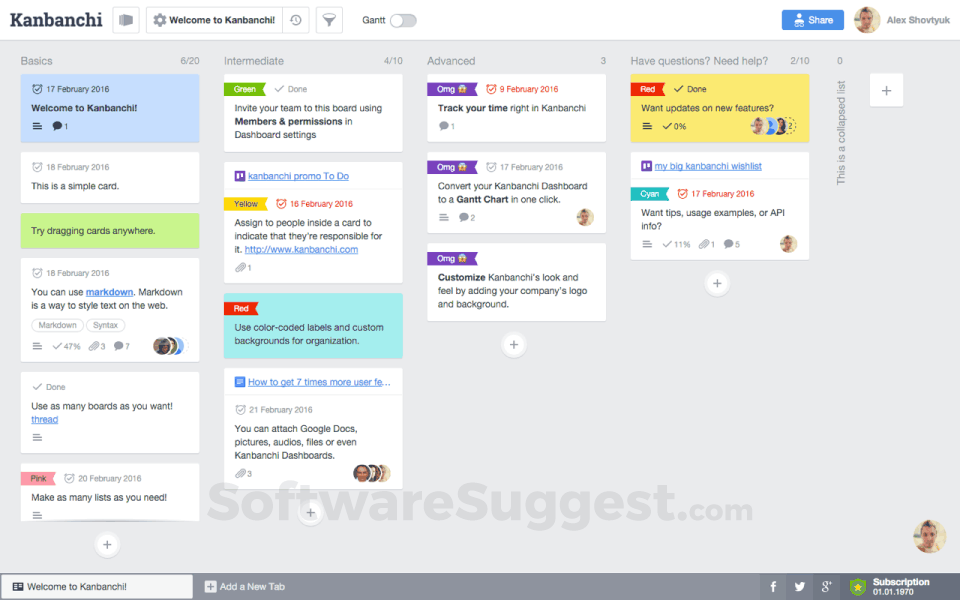
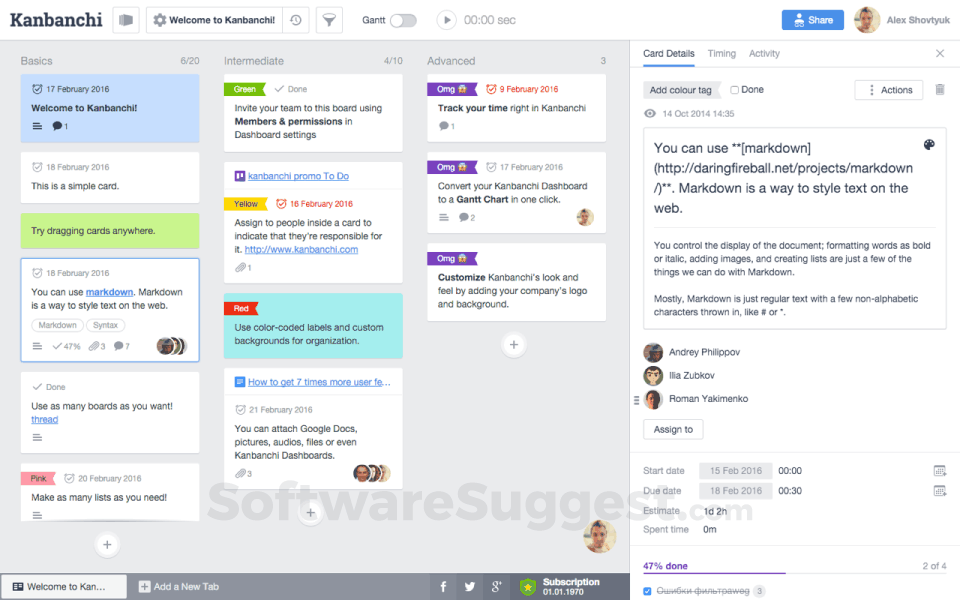
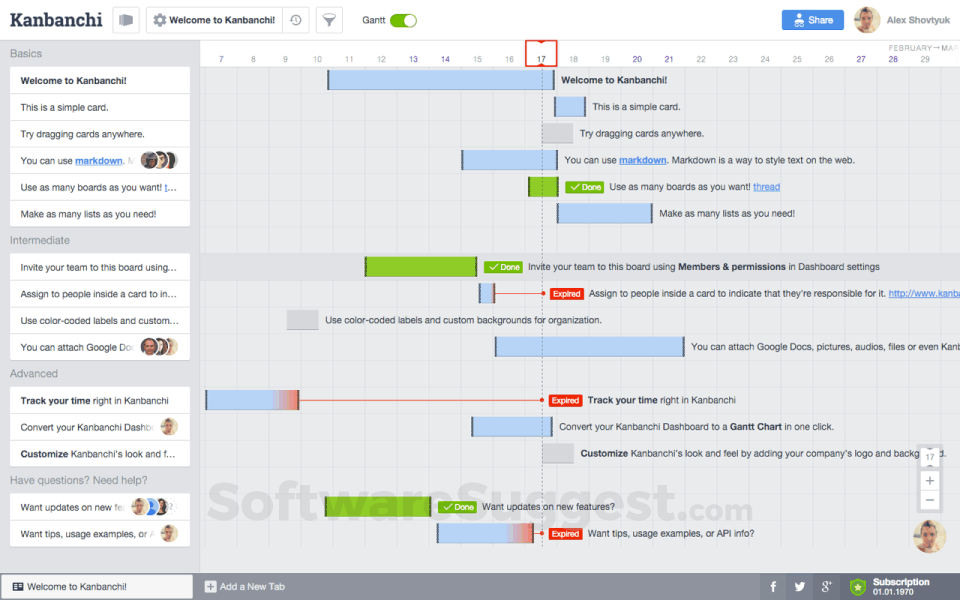
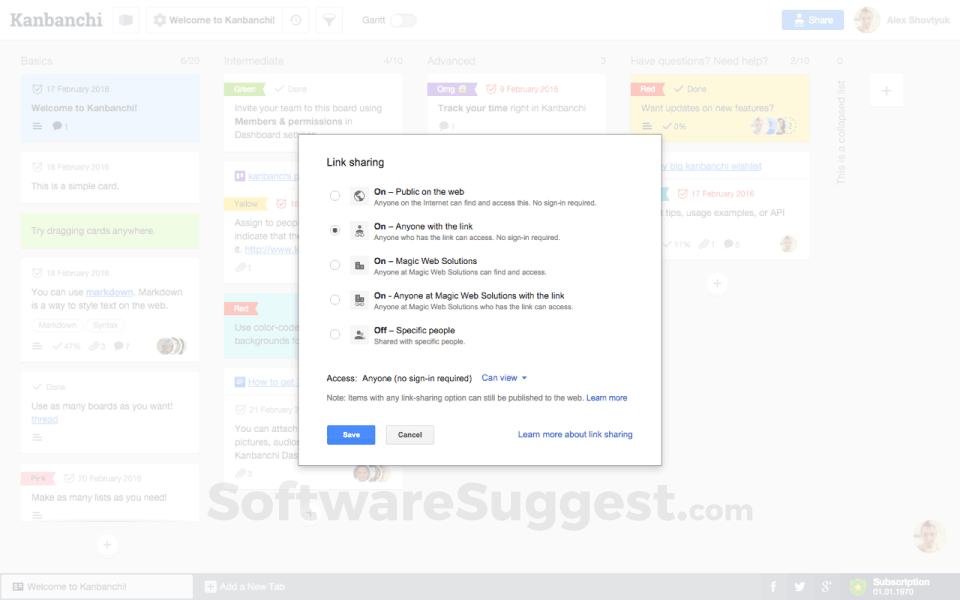
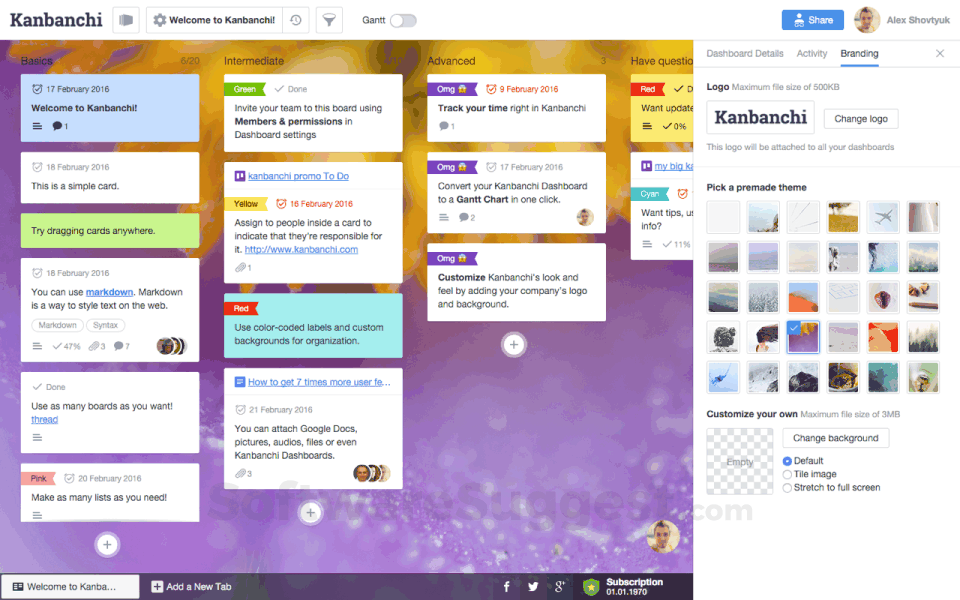
Explore screenshots and videos of Trello and Kanbanchi for G Suite to compare their interface and product experience.



Specifications
Check out the specifications of Trello and Kanbanchi for G Suite. Learn about their accessibility features, customer support channels, payment methods, and device compatibility.
- Freelancers
- Startups
- SMBs
- Mid-Market
- Enterprises
- API
- Free Trial
- Mobile Support
- Lifetime Free Plan
- Customization
- Phone
- Live Support
- Training
- Tickets
- Yearly
- Monthly
- Onetime (Perpetual License)
- Transaction
- Web App
- Windows
- macOS
- iOS
- Android
- Freelancers
- Startups
- SMBs
- Mid-Market
- Enterprises
- API
- Free Trial
- Mobile Support
- Lifetime Free Plan
- Customization
- Phone
- Live Support
- Training
- Tickets
- Yearly
- Monthly
- Onetime (Perpetual License)
- Transaction
- Web App
- Windows
- macOS
- iOS
- Android
Awards
Trello and Kanbanchi for G Suite have been awarded by SoftwareSuggest for the selected categories. These awards have been given on the basis of the overall performance of this software in the Task Management Software category.


Alternatives





Company Details
Get insight into the company details Trello and Kanbanchi for G Suite and learn how they operate. Explore the company name, its location, and more!
Trello Inc
Kanbanchi Ltd.
Dartford
FAQs
What level of customer support can I expect from Trello and Kanbanchi for G Suite?
Trello provides customer support over various channels including email, tickets and training, and Kanbanchi for G Suite provides customer support over email, training and more.
Do Trello and Kanbanchi for G Suite offer a free trial?
Yes, Trello and Kanbanchi for G Suite provide a free trial to its users.
What are the key features of Trello and Kanbanchi for G Suite?
Key features of Trello include boards, lists, cards, checklists, due dates, labels, while Kanbanchi for G Suite offers features, such as task management, kanban boards, gantt charts, time tracking.
Trello and Kanbanchi for G Suite cater to which types of businesses?
Trello is suitable for Startups, Enterprises, SMBs & Freelancer, whereas Kanbanchi for G Suite is suitable for Startups, SMBs & Freelancer.
Trello


.png "Producteev")


A project management tool
Trello is a project management and organization tool that allows you to create boards, lists, and cards to manage your work visually and collaboratively. Each card represents a specific task and can be dragged and dropped into different lists based on their progress status. This solution enables visual and orderly project management regardless of industry. It is essential to consider that it could be overwhelming if you have several projects and tasks. However, it is not difficult to use and its adoption can be immediate. In short, Trello is an essential tool for managing and organizing projects. Its intuitive, collaborative, and customizable interface lets you keep all your projects and tasks in order and under control. Although it has several limitations, Trello is undoubtedly an effective tool for anyone or any team that wants to manage their projects efficiently and visually.
Read More— lucia romero