


Identifying the ideal Pdf Software to suit your specific requirements can be challenging. Compare pdfFiller and QuickSigner side by side to understand how they differ across the factors that matter most. Discover key similarities and differences in pdfFiller vs. QuickSigner to determine which solution best fits your business requirements.
SoftwareSuggest offers verified & unbiased user reviews based on user ratings and feedback. Our ratings and reports do not contain any paid placements. Learn more about our ranking methodology.


Quick View
Compare the most important details of pdfFiller and QuickSigner at a glance
Affordable Pricing
Cloud Accessibility
Comprehensive Tools
Easy To Use
No pros reported yet
User Interface Clutter
Limited Text Formatting
Multiple Navigation Screens
Occasional Cumbersome Workflow
No cons reported yet


Reviews and Ratings
QuickSigner Review

Pricing
Compare pricing of pdfFiller vs QuickSigner with the following detailed pricing plan info. pdfFiller comes in 2 packages: Basic, Premium. On the other hand, QuickSigner comes in 3 packages: Free, Business, Professional.
- Free Plan
- Free Trial
- Free Plan
- Free Trial (14 Days)
Features
Compare between pdfFiller and QuickSigner based on their key features and functionalities to pick the right one for your business.
- Edit Pdf
- Esign Pdf
- Annotate Pdf
- Convert To Pdf
- Pdf Merge
- Split Pdf
- Fillable Forms
- Pdf Templates
- Password Protection
- Pdf Watermark
- Compress Pdf
- Pdf Redaction
- Pdf Sharing
- Mobile Access
- Cloud Storage
- Edit Pdf
- Esign Pdf
- Annotate Pdf
- Convert To Pdf
- Pdf Merge
- Split Pdf
- Fillable Forms
- Pdf Templates
- Password Protection
- Pdf Watermark
- Compress Pdf
- Pdf Redaction
- Pdf Sharing
- Mobile Access
- Cloud Storage
Get Software Recommendations That Fit!
Tell Us Your Needs. We'll Find The Right Options.
Media
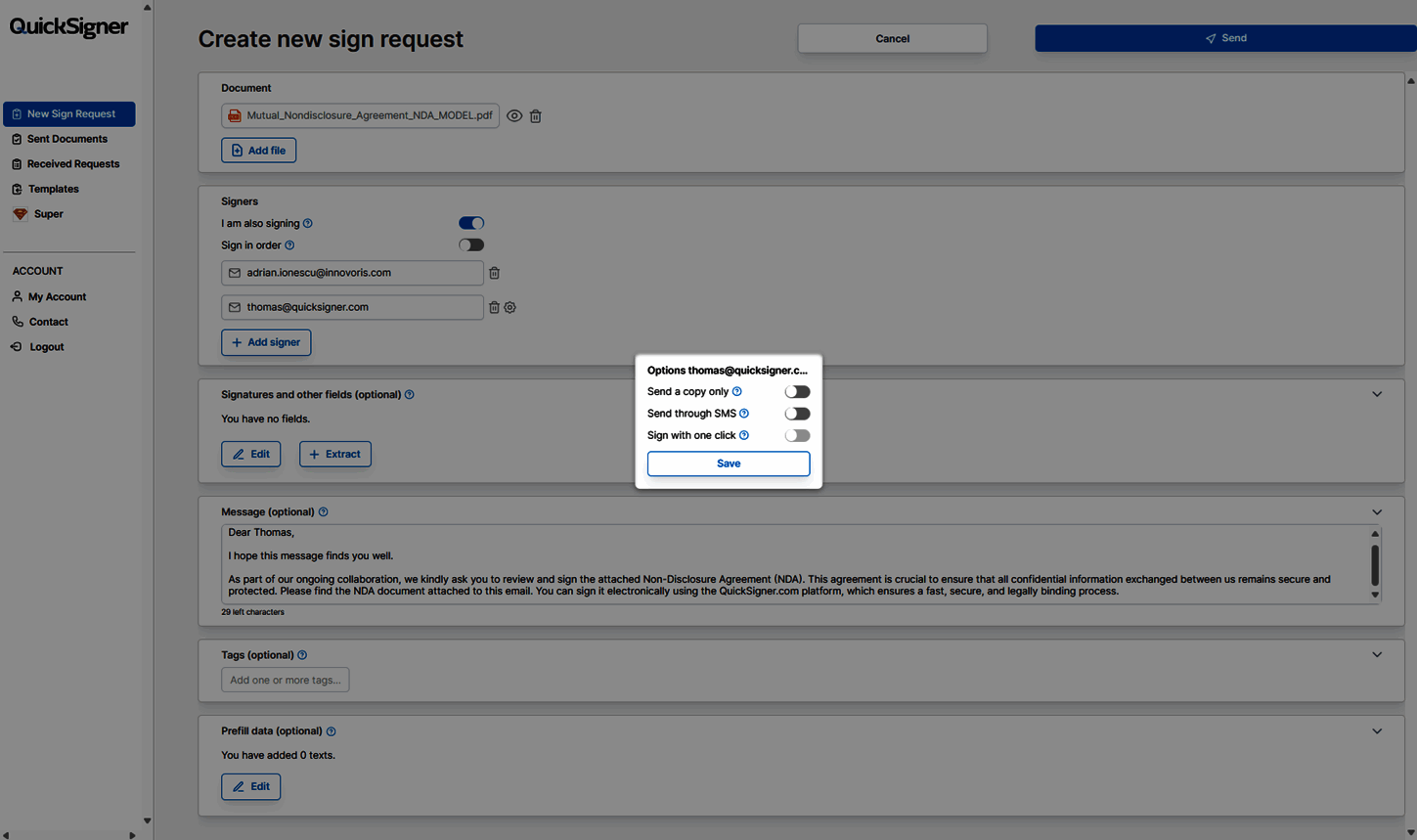
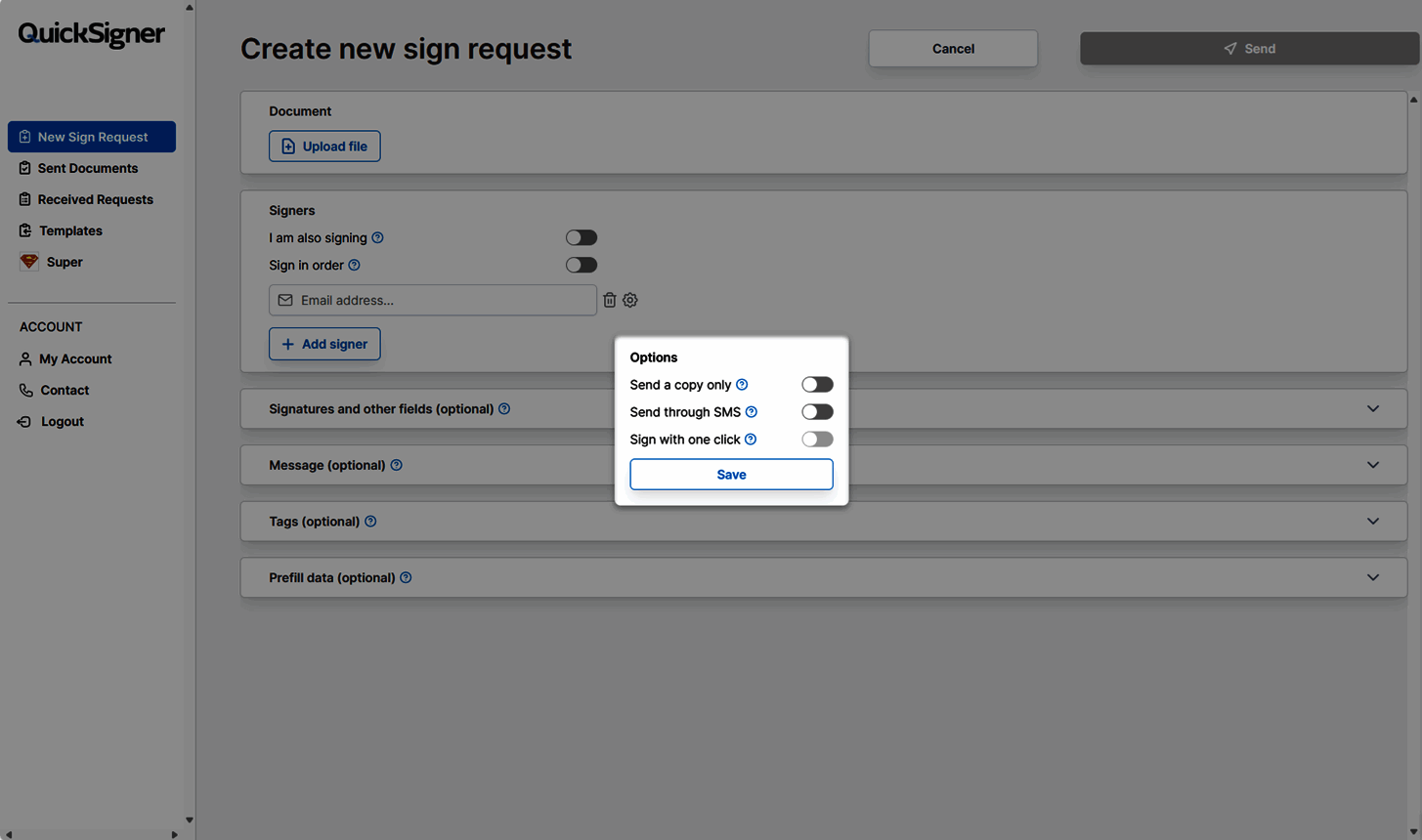
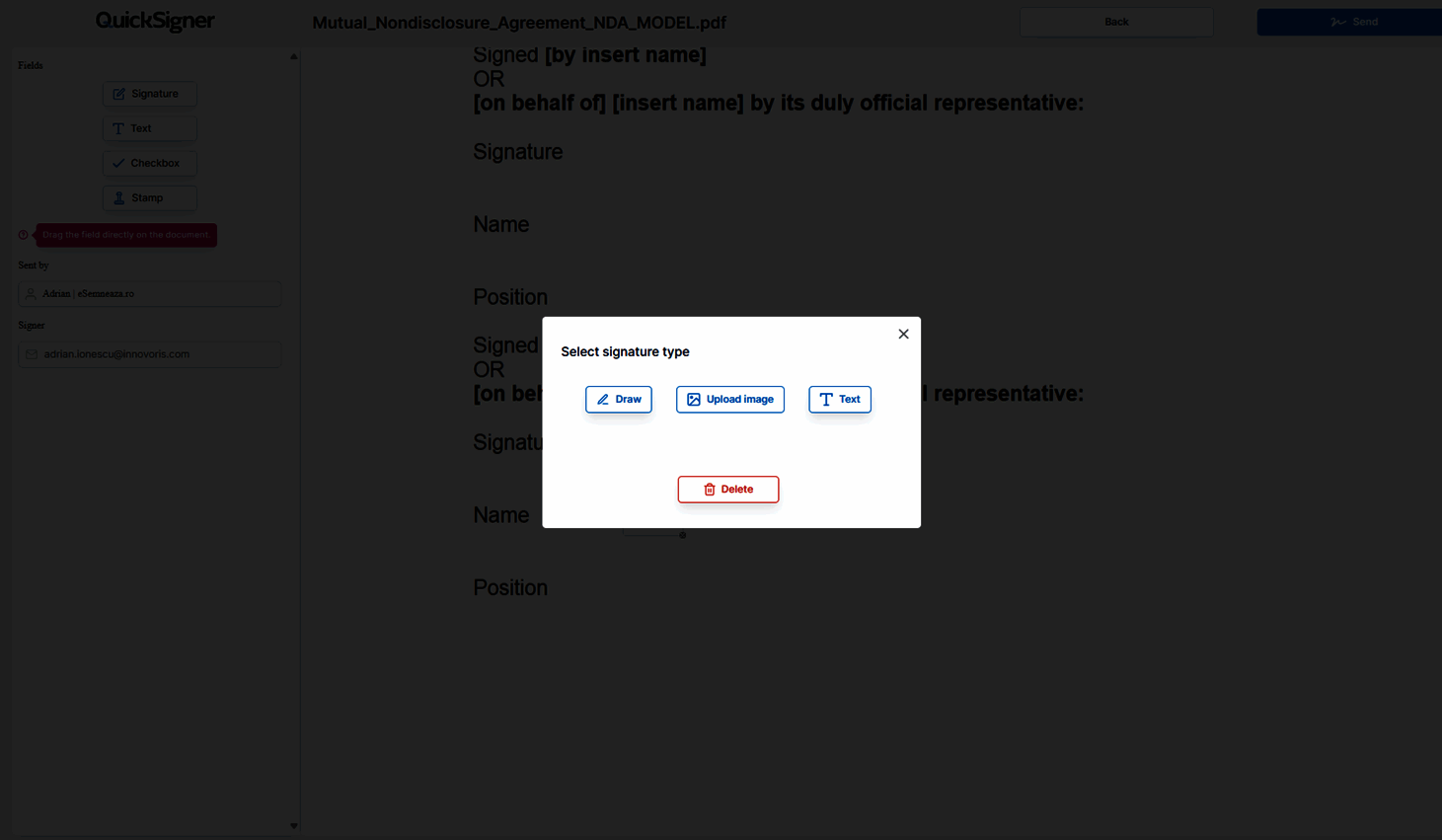
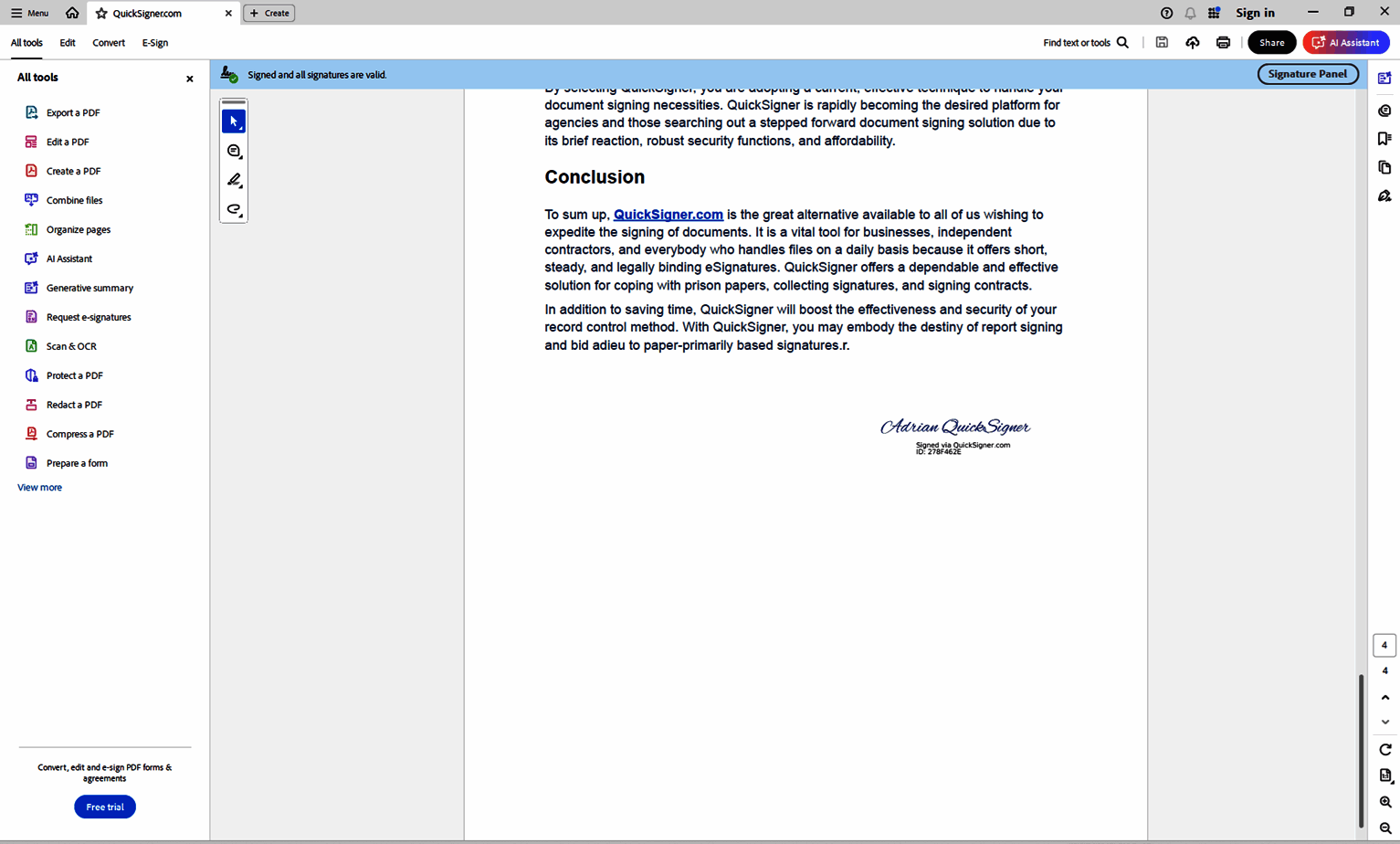
Explore screenshots and videos of pdfFiller and QuickSigner to compare their interface and product experience.



Specifications
Check out the specifications of pdfFiller and QuickSigner. Learn about their accessibility features, customer support channels, payment methods, and device compatibility.
- Freelancers
- Startups
- SMBs
- Mid-Market
- Enterprises
- API
- Free Trial
- Mobile Support
- Lifetime Free Plan
- Customization
- Phone
- Live Support
- Training
- Tickets
- Yearly
- Monthly
- Onetime (Perpetual License)
- Transaction
- Web App
- Windows
- macOS
- iOS
- Android
- Freelancers
- Startups
- SMBs
- Mid-Market
- Enterprises
- API
- Free Trial (14 Days)
- Mobile Support
- Lifetime Free Plan
- Customization
- Phone
- Live Support
- Training
- Tickets
- Yearly
- Monthly
- Onetime (Perpetual License)
- Transaction
- Web App
- Windows
- macOS
- iOS
- Android
Awards
pdfFiller and QuickSigner have been awarded by SoftwareSuggest for the selected categories. These awards have been given on the basis of the overall performance of this software in the Pdf Software category.

Give a review to increase their chance of winning Awards
Write a ReviewAlternatives


Company Details
Get insight into the company details pdfFiller and QuickSigner and learn how they operate. Explore the company name, its location, and more!
FAQs
pdfFiller and QuickSigner cater to which types of businesses?
pdfFiller is suitable for Freelancer, Startups, SMBs, Mid-Market & Enterprises, whereas QuickSigner is suitable for Startups, SMBs, Mid-Market & Enterprises.
Do pdfFiller and QuickSigner offer a free trial?
Yes, pdfFiller and QuickSigner provide a free trial to its users.
What are the key features of pdfFiller and QuickSigner?
Key features of pdfFiller include edit pdf, esign pdf, annotate pdf, convert to pdf, pdf merge, split pdf, while QuickSigner offers features, such as legally binding signatures, template creation, document tracking, audit trail.
What level of customer support can I expect from pdfFiller and QuickSigner?
pdfFiller provides customer support over various channels including phone, email, live support and tickets, and QuickSigner provides customer support over phone, email, live support and more.
For what other purposes can pdfFiller and QuickSigner be used?
Apart from being a Pdf software, pdfFiller can be used as a document management software, digital signature software, electornic signature software and form automation software, while QuickSigner can be utilized as a contract management software, digital signature software and email signature software.
pdfFiller
Visit Website


Good software.
Makes it easy to go paperless. Great price for the number of features it offers. Easy to use and has a wide variety of tools, but there are functions that need improvement. The customer support is quick and amazing.
Read More— Kelly