MSP software is a third-party platform that can remotely manage a customer's information technology infrastructure and end-user systems.
MSP software or managed service provider software is an IT service computing framework platform that provides a single point of view of all client-IT systems you manage. The system is typically managed by a third-party service provider that handles your IT infrastructure and end-user systems on a proactive basis under a subscription model.
The idea behind MSP is to help companies track and troubleshoot errors, software deployments, network interruptions, and security issues across several client networks. It helps with invoicing and report generation as well.
MSP software are categorized into different types depending upon the services they provide. If you're wondering what various services you can seek from the best MSP software, here is a quick overview of different roles and operations it can facilitate.
1. Network and system monitoring software
These types of MSP software primarily focus on monitoring our business' network performance, downtimes, and quality. Manual tracking can be a cumbersome task for a company, and with the help of an MSP provider, you can remediate the issues instantly when they arise. Such MSP programs provide a remote monitoring and management platform which enables you to gather data to improve infrastructure, reduce costs, and optimize performance.
2. Security management software
MSPs also offer dedicated security management features to help your organization against malware threats, along with patching, maintenance, monitoring, and risk protection of servers and on-premise applications. These MSPs can also manage the email security of your company, thereby helping you protect data from cyberattacks.
3. System design and upgrades software
Several MSP software programs are solely dedicated to enhancing customer experience and making sure they remain on the cutting edge. MSPs will understand your unique requirements to ensure your IT systems comply with your organizational objectives. Apart from ensuring an intuitive design and rolling out regular upgrades, this managed service provider software can also help you with setting up cloud infrastructure, virtualized solutions, wireless and mobile networking, and more.
4. Auditing and compliance software
Auditing and compliance software is a subset of MSP, which helps you get rid of the compliance burden of your organization. Several aspects, including network vulnerabilities, cloud computing, logging practices, and industry-specific policies, come into play when you run a company. It is crucial to receive appropriate support and guidance around compliance to keep your business on track.
5. Communications, support, and SaaS software
The most commonly used type of MSP software program is the one that offers software applications and communication support. These platforms provide communication functionality such as data, VoIP, and video for seamless collaboration. The software applications on these programs are hosted on the servers of third-party providers and are available to you on a subscription basis. Some providers also offer 24/7 support via a help desk or remotely.
6. Backup and disaster recovery software
These types of the software ensure the safety and integrity of company data. You can use dedicated backup software and disaster recovery software programs that offer you adequate backup and recovery options to ensure you can access your data at times of data loss or breach.
7. Analytics and reporting software
Another prevalent managed service provider software type is the one that offers reporting and analytics features. It helps companies evaluate their KPIs, such as network performance, along with receiving impartial insight into workflows and improvement recommendations.
These are some of the common types of MSP software programs you can come across. However, the recent advancements in the field of managed services have led to the development of all in one MSP software. Thus, now you can get most of the above features in a single MSP platform.
The best MSP software can bring your entire business together by catering to a plethora of business objectives, ranging from remote desktop software access to integrations and scheduling. Here is an overview of the typical features every managed service provider software offers.
MSP software provides IT management solutions that enable management, monitoring, and automation of tons of IT networks from a centralized platform. Some of the key RMM feature every MSP provides include:
1. Remote control: You can take over your end user's devices and use them directly as your own. And if the tasks are repetitive and time-consuming, let scripting take charge.
2. Remote diagnostics: Get a detailed summary of services, processes, and applications to quickly identify the issues and shortcomings without spending time digging into the end user's device.
3. Unattended access:You can link to a device when no user is available to address the issues, especially during downtimes like after-hours or breaks.
Additional features
- Patch management
- Remote Control
- Monitoring and maintenance
- IT assets inventory
- Security and safety
- Backup and recovery
Integrations
MSPs allow third-party integrations that provide you with all the components required for fulfilling your business objectives, thus, providing you with superior flexibility. Some typical integrations supported by MSP solutions are:
- Remote access integrations
- Documentation
- Backup
- Endpoint security
Professional services automation
Advanced MSP programs offer a dedicated platform for professional services automation (PSA). This allows you to provide better service to your customers, along with improving productivity, operational efficiency, and profitability. Since the best MSP software are cloud-based, they entirely incorporate the following components to streamline and enhance organizational operations.
- RMM information
- Business analytics
- Customer service
- Help desk
- Business process automation
Remote access
Managed service provider software programs feature remote access tools to help you access applications, files, servers, and desktops seamlessly via multiple accessibility options.
Multi-session handling
With an MSP system, you can optimize your resources and remotely support several users by toggling between multiple sessions at one time. This way, you would not only save time but reduce wait time for users as well, which will directly add to the customer experience.
Technical collaboration
Some dedicated MSPs offer technical assistance as well. If you encounter any problem, you can seek help from the expert technicians in your niche. If you still need external expertise, MSP providers can help you with their proficient engineers.
Instant Chat
MSP programs allow you to communicate with your end-users in a branded fashion to provide the best-in-class experience. Therefore, you can give high-grade support to your consumers without making them download any extra applications.
Note: These features are typical and can be found in almost every MSP software. However, every solution is different, and the characteristics can vary from provider to provider.
Organizations all around the world are readily investing in MSP software solutions, and rightfully so. An MSP offers an array of features and benefits that can provide unparalleled value to an organization in the long term.
A modern-day business needs to ensure that its processes are productive and efficient. Outsourcing IT requirements to a dedicated provider can be a game-changer for businesses of all sizes and industry verticals in the following ways.
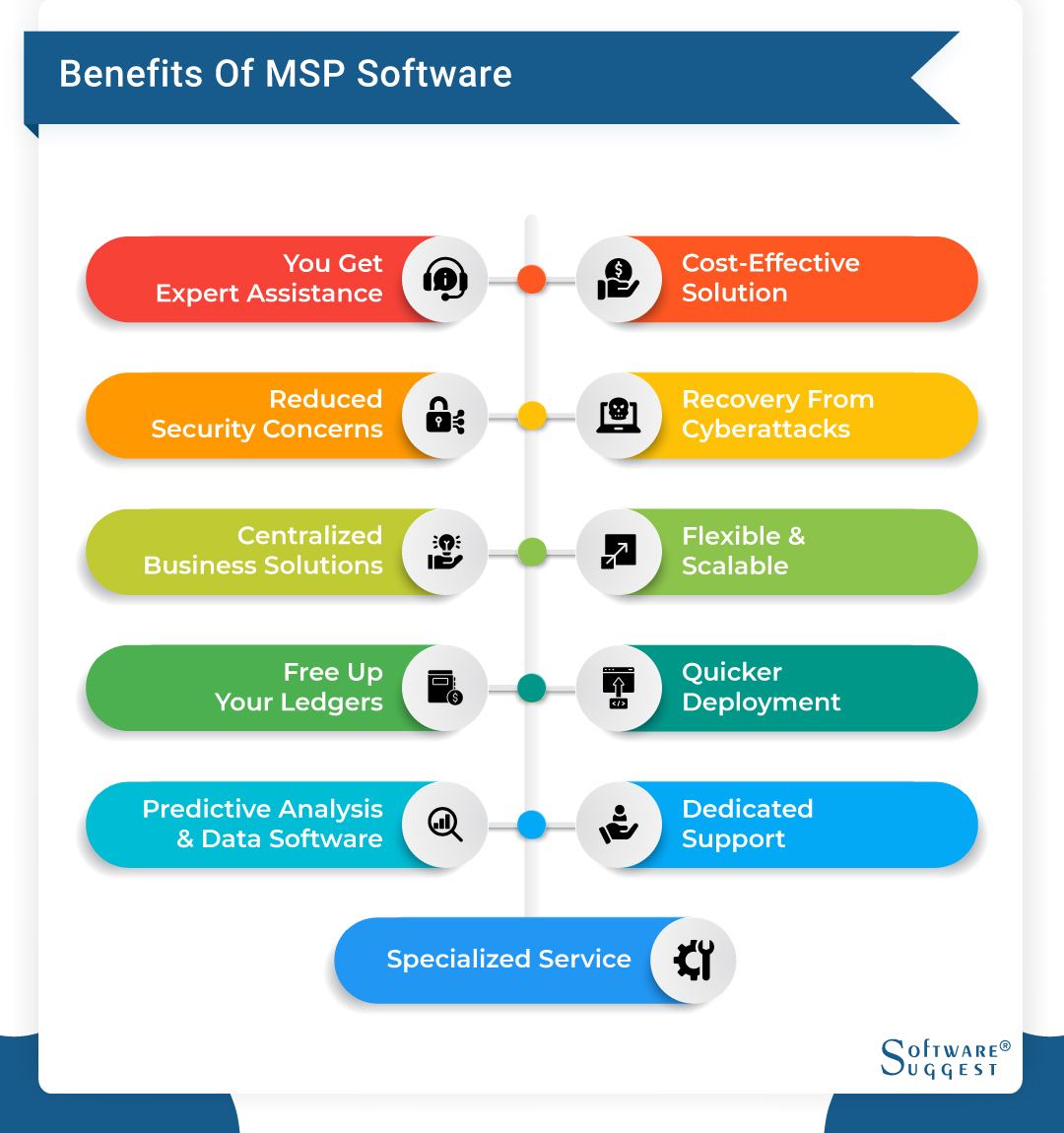
1. You get expert assistance
The best MSP software programs are managed by dedicated service providers that are highly skilled and experienced. Thus, you get the best possible services. With the help of an MSP, you will always stay updated with the latest industry standards, techniques, and practices that you can directly implement to your organization. They further update your IT infrastructure to ensure your networks are secure and functional to provide the best service.
2. Cost-effective solution
Hiring expert MSP professionals to cater to your IT requirements can be expensive. And for startups and small businesses that run on a low budget, extravagant IT costs can be a significant splurge. By investing in all in one MSP software, not only will you save money in the longer run, but the simplified subscription model enables you to predict your monthly operational costs as well. When your expenses are in check, you can streamline tasks to achieve more liquidity and productivity.
3. Reduced security concerns
MSP software comes with in-built antivirus, anti-malware, and other cybersecurity solutions to reduce the risk of cyberattacks and security breaches. With the recent rise in cybersecurity attacks, it is essential for organizations to prioritize the security and integrity of their data by adopting adequate cybersecurity protocols and layers.
4. Recovery from cyberattacks
No solution can provide you with 100 percent security against security threats. Cyberattackers are readily evolving and looking for loopholes in the IT infrastructure of organizations. Recent attacks on Capitol One and The Weather Channel indicate that no matter how strong your cybersecurity is, you are still vulnerable. But, what is more important is how your business recovers from a recent security attack and prevents any future breaches.
MSP software for project management develops security walls post cyberattacks to ensure no further violations occur. Some security-oriented MSP software (discussed in Types of MSP Software) also provides a robust infrastructure to guarantee protection from security breaches and lost data. Thus, when any malicious activity is noticed, the system will automatically activate networks and preventive features to protect the information.
5. Centralized business solutions
Most organizations divide their IT departments to ensure a smooth workflow of different aspects. But when you use a top MSP software, all of your services and data is centralized in one place. Not only does it improve operational efficiency, management, and productivity of your IT infrastructure, but the virtualization also provides you with easy access to monitoring and maintenance.
6. Flexible and scalable
As your business grows, your IT department will scale up, as well. Building an in-house IT team can be a tedious and expensive procedure. Since MSP software for project management work on a monthly subscription model, you can expand your IT services as per your requirements. In the future, if you find the need to scale down, MSPs provide you with seamless flexibility to scale down as well by simply choosing a smaller subscription.
7. Free up your ledgers
One of the primary advantages of investing in an MSP provider is that you will free up monetary investment within your organization. If you hire new IT professionals to take care of your infrastructure, you would have to invest in new equipment. By investing in MSP software, you can work with your existing system, thus, saving up resources that you can use in other, more crucial parts of your business.
8. Quicker deployment
A significant disadvantage of implementing an in-house service infrastructure is the time taken to write and configure the new code. An MSP system comes with a prepared collection of codes, which is easy to configure and can be seamlessly adjusted as per your business requirements. Thus, you can deploy to quickly and efficiently roll out new services.
9. Predictive analysis and data software
With the world going digital, most companies feed on consumer data and workforce insights. Contrarily, one of the major challenges companies organizations face is the lack of adequate infrastructures and resources to extract and utilize the information. The best MSP management software consists of a predictive analysis and data management system that offers simple yet powerful reporting dashboards. Thus, you can monitor attributes like customer spending habits, supplier performances, and other essential data.
10. Dedicated support
In the case of an in-house IT team, you have to rely on them in-case of downtimes and other technical shortcomings. When you invest in an MSP, you can depend on the experts for exceptional service. The best MSP tools come with dedicated, 24/7 support, which guarantees quick response time and instant resolution of your queries. In the case of security breaches, technical glitches, or downtimes, you can enjoy on-hand support to keep your IT operations up and running.
11. Specialized service
All of this boils down to one ultimate advantage: a dedicated service will manage your IT infrastructure. MSP guarantees a uniform service and proactive support irrespective of the configuration of your IT network. Hence, you get peace of mind, which enables you to focus on other, more critical aspects of your business and offer better quality services to your consumers.
The decision of which MSP software to invest in would potentially shape to future of your business. Thus, it is vital to address the following considerations when looking for the best MSP solution for your business.
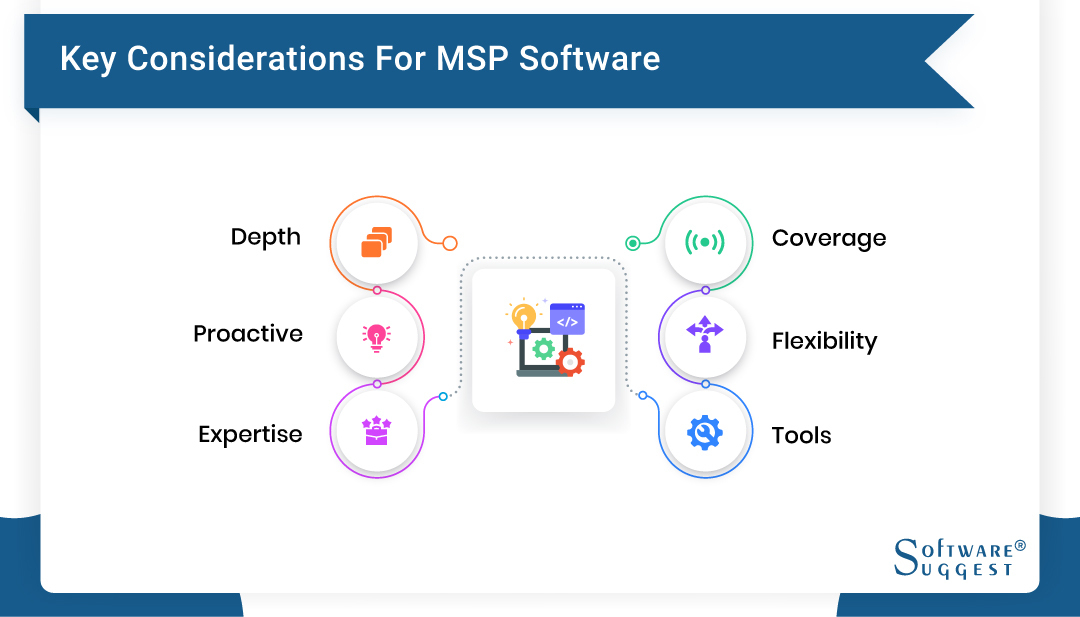
1. Depth
Although MSP software programs don't need external support in most cases, it is crucial that the provider has significant on-bench strength with personnel having experience and expertise in deploying various kinds of IT services. Working with a provider that entails limited capabilities can be a hurdle when you scale up and evolve. Thus, be sure to pick an MSP that has enough flexibility and depth to make transition alongside you.
2. Proactive
Just because it is working fine, does not mean it cannot be improved. Many IT service providers wait for something to break down before fixing it, which is certainly a wrong approach. Look for MSP providers with a proactive approach to ensure they help you improve your operations and prevent challenges such as data breach or network downtime. Proactiveness is the key to secure assets against threats, and you should invest in a provider that addresses issues before they shop up.
3. Expertise
As discussed earlier, you might rarely require external support when working with the best MSP tools, but investing in an expert IT service provider ensures that your business stays up and running in times of infrastructural changes or shortcomings. Plus, a knowledgeable provider will update its services as per the latest industry trends, which helps you leverage cutting-edge solutions.
4. Coverage
Service Level Agreements are essential to review and understand for every company. Here are a few provisions every MSP should include.
- Security
- Redundancy
- Power
- Guaranteed uptime
The SLA should clearly demonstrate the measures and procedures for data backup and recovery, cybersecurity, and uptime as well. Furthermore, the SLA should also spell out service credit when performance metrics are not satisfied.
5. Flexibility
As discussed before, your MSP provider should've flexible enough to change as your business grows and evolves. An MSP software should offer services in several IT environments irrespective of the deployment model.
6. Tools
MSP project management software provides access to some of the best tools and techniques to manage your IT network. An MSP provider should offer proactive service level toolset that monitors all environmental aspects, ranging from internal network infrastructure to cloud-based resources and applications. Lastly, your MSP should also provide a service ticketing system that enables you to submit a ticket and automate workflow for prioritization, scheduling, triage, and escalation.
IT department is a pivotal component of all organizations, and for rightful reasons, it facilitates all the digital operations of a company. Several businesses spend millions of dollars every year to hire IT professionals and strengthen their IT infrastructure. However, you don't necessarily need to do the same as MSP software enables you to free up your ledgers and expand your business without bothering about hiring in-house IT professionals.





.png)