


What is WavePad?
WavePad is a fully featured Podcast Editing Software designed to serve SMEs, Startup, Agencies, Enterprises. WavePad provides end-to-end solutions designed for Web App. This Podcast Editing Software offers Dashboard, Application Management, Email Marketing, Payment Processing, Reporting & Statistics at one place.
WavePad Starting Price

Our Awards and Recognition
Talk with a software expert for free. Get a list of software that's great for you in less than 10 minutes.
Key Features of WavePad
Here are the powerful features that make WavePad stand out from the competition. Packed with innovative tools and advanced functionalities, this software offers a range of benefits.
- API
- Application Management
- Audience Analytics
- Audience Engagement
- Audio File Management
- Audio/video File Upload
- Automatic Transcription
- Communication Management
- Customizable Templates
- Data Import/Export
- Distribution Management
- Drag & Drop
- Dues Management
- Email Marketing
- Engagement Tracking
- File Sharing
- Audio Recording
- Live Broadcasting
- Academic/Education
- API
- Application Management
- Asynchronous Learning
- Audience Analytics
- Audience Engagement
- Audio File Management
- Audio Recording
- Audio/video File Upload
- Automatic Transcription
- Blended Learning
- Communication Management
- Customizable Templates
- Dashboard
- Academic/Education
- API
- Application Management
- Asynchronous Learning
- Audience Analytics
- Audience Engagement
- Audio File Management
- Audio Recording
- Audio/video File Upload
- Automatic Transcription
- Blended Learning
- Communication Management
- Customizable Templates
- Data Import/Export
- Distribution Management
- Drag & Drop
- Export Audio (Multiple File Types)
- Record Live Audio
- Accessibility
- AI Audio Editors
- AI Tools
- AI Voice Changers
- Analysis
- Audio Compositing
- Audio Editing
- Audio Effects
- Audio Effects and Filters
- Audio File Format Conversion
- Audio Looping and Synchronization
- Audio loops and effects
- Audio Mastering
- Audio Plugin Support
- 3D Video Editing
- Audience Engagement
- Audio Editing Tools
- Audio Effects
- Audio Mastering
- Audio Recording
- Audio Tools
- Batch Processing
- Brand Overlay
- Browser-based
- Collaboration
- Customer Feedback
- Digital Audio Workstations (DAW)
- Disk Cleanup
- DJ
- Dubbing
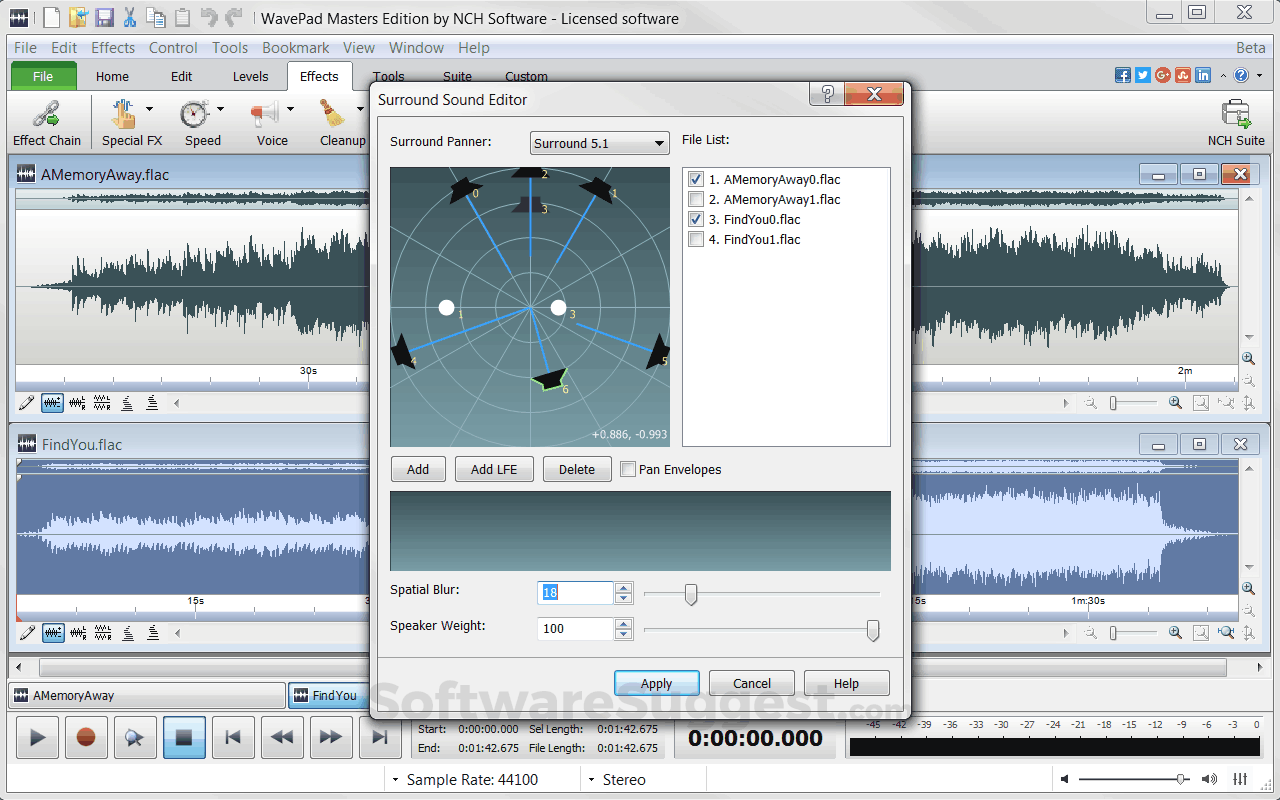
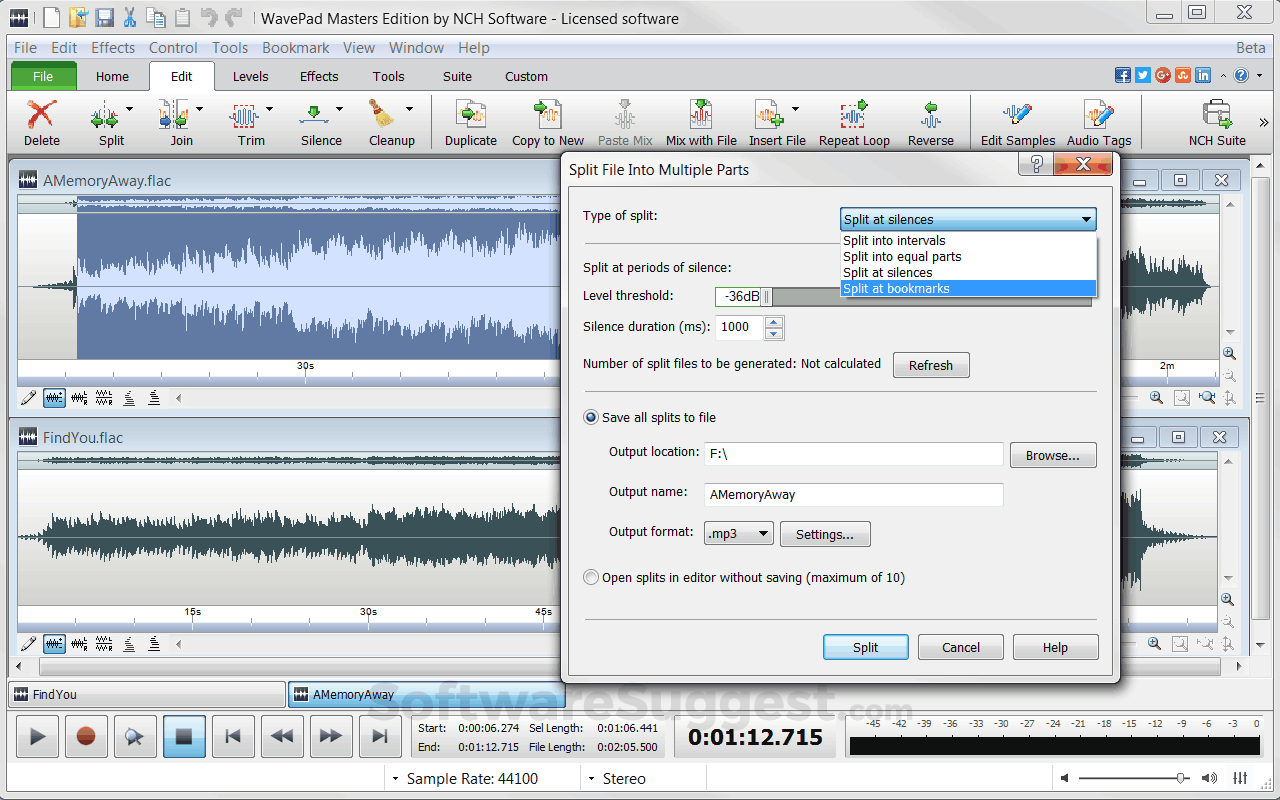
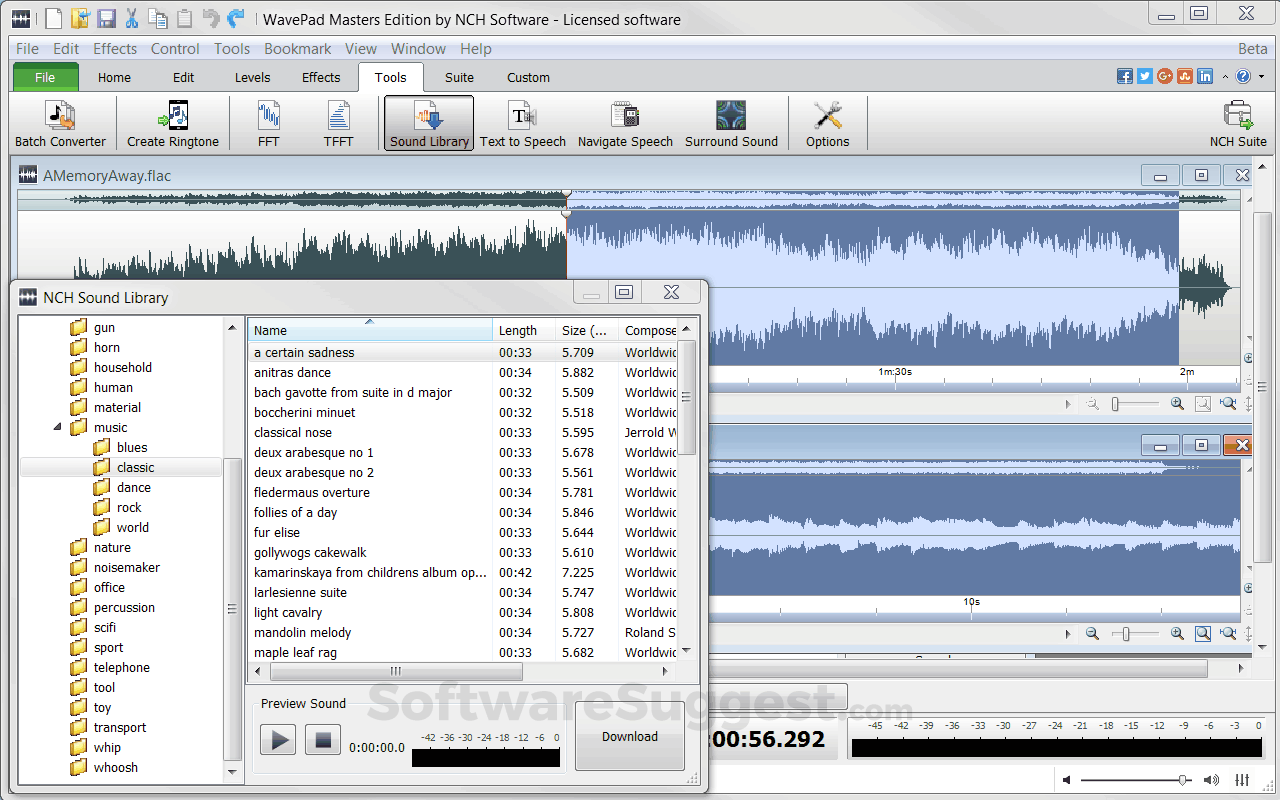
WavePad Screenshots
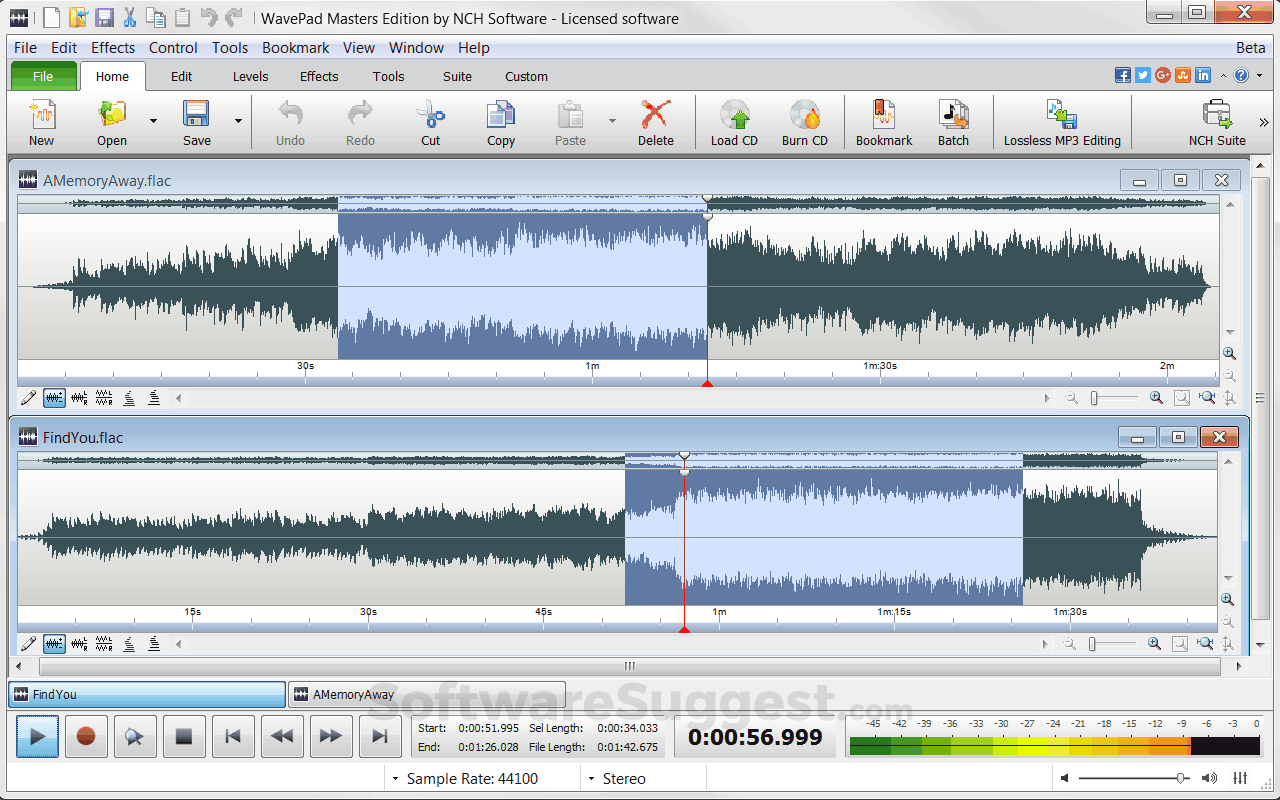
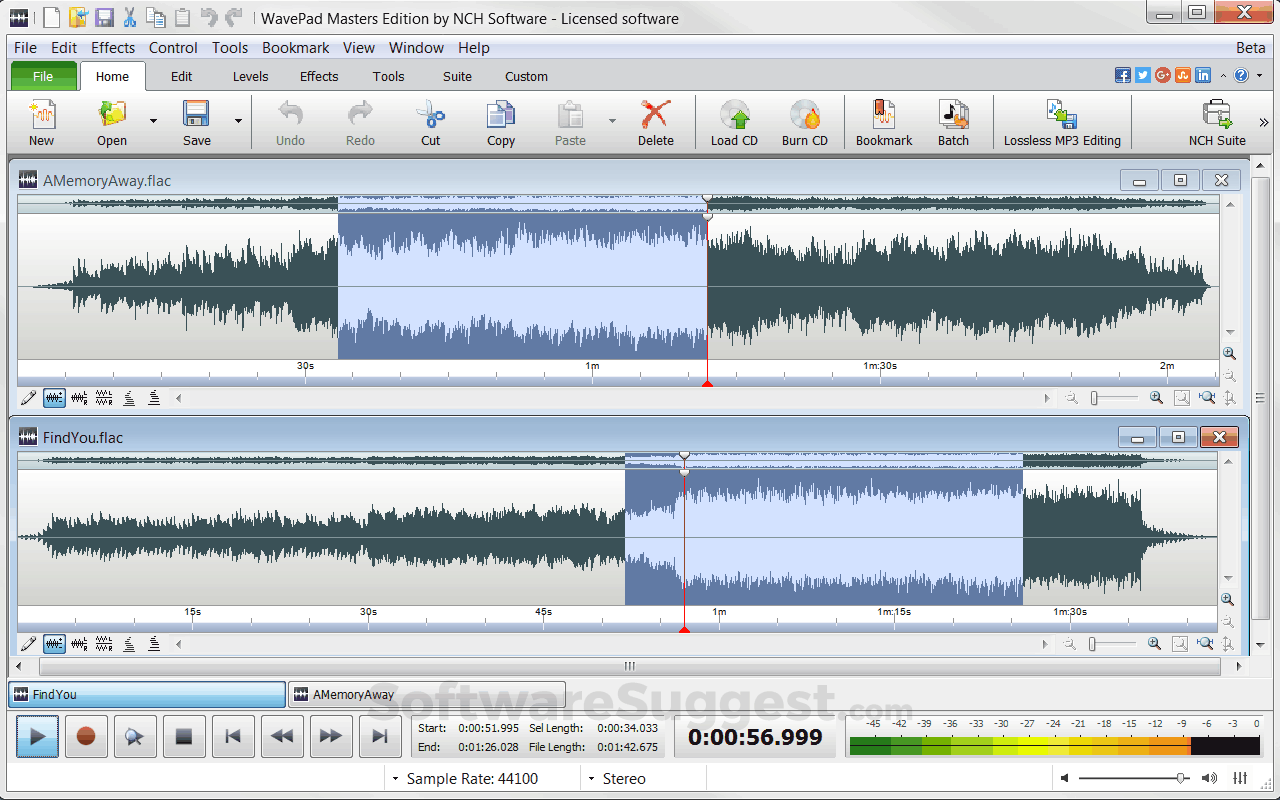
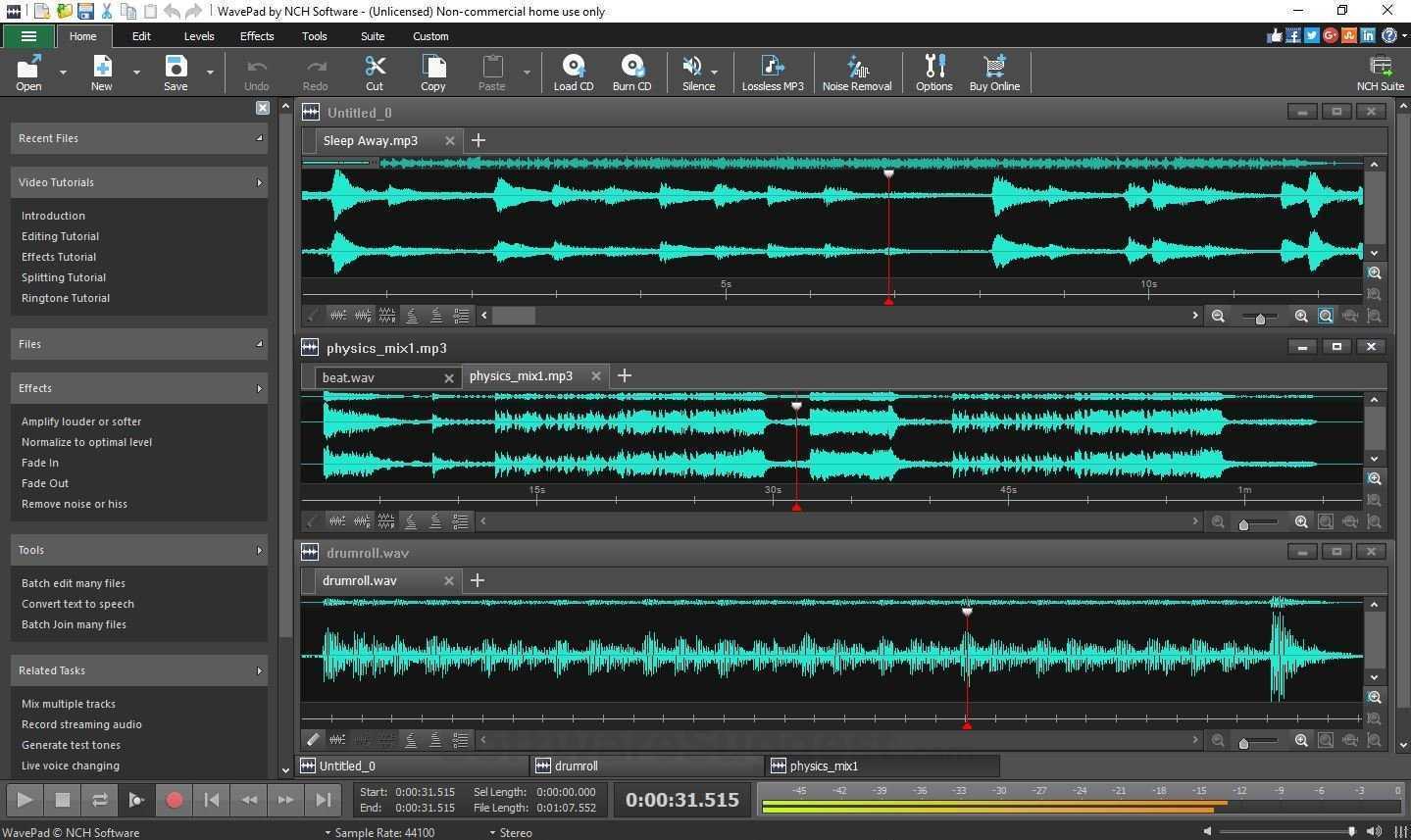
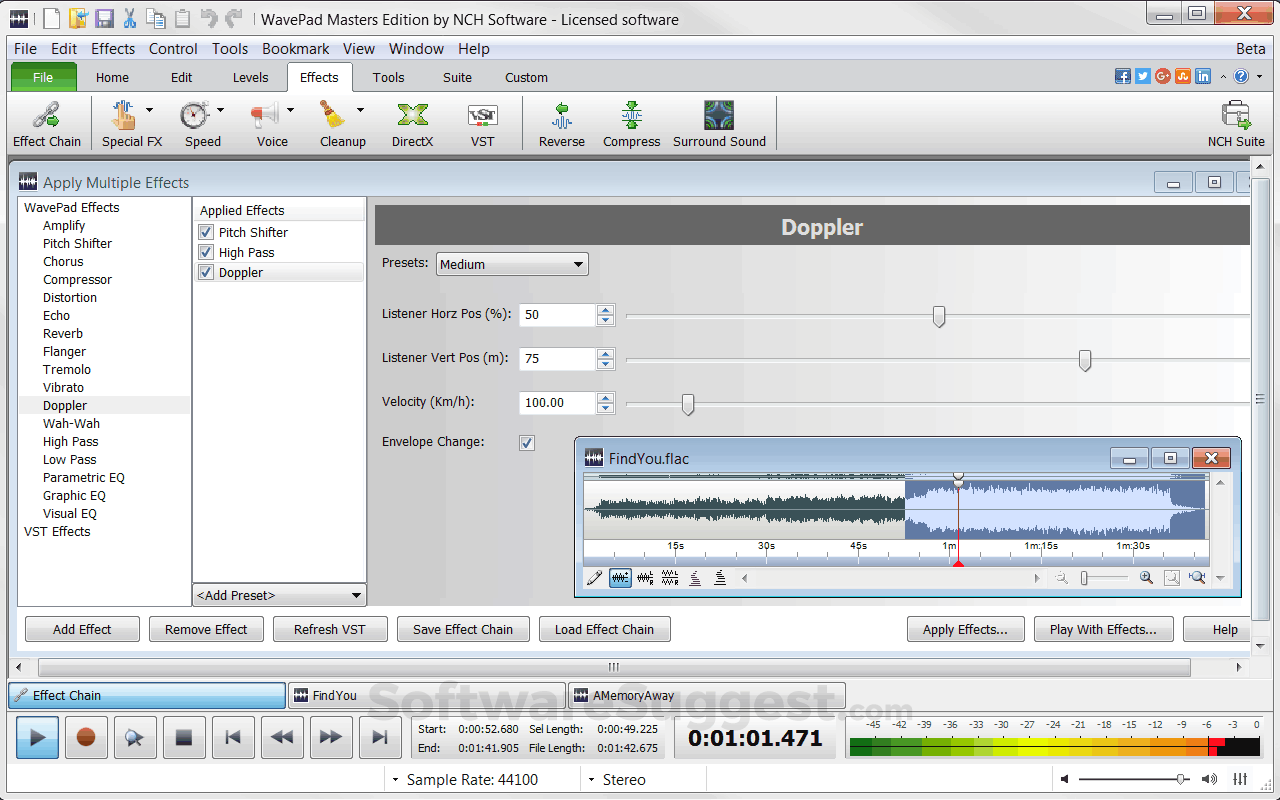
WavePad Specifications
Get a closer look at the technical specifications and system requirements for WavePad. Find out if it's compatible with your operating system and other software.
WavePad Comparisons
Compare WavePad with other similar options available in Podcast Editing Software. Explore the key differences to see why it's the top choice for businesses and individuals.


WavePad Customers
.png "WavePad Billing Software")
.png "WavePad Billing Software")
.png "WavePad Billing Software")
.png "WavePad Billing Software")
.png "WavePad Billing Software")
.png "WavePad Billing Software")
.png "WavePad Billing Software")
.jpg "WavePad Billing Software")
WavePad Videos
WavePad Reviews (0)
No reviews yet. Rate this app or be the first to review.
Write a ReviewAlternatives of WavePad
Explore alternative software options that can fulfill similar requirements as WavePad. Evaluate their features, pricing, and user feedback to find the perfect fit for your needs.
WavePad FAQs
What are the top 5 features for WavePad?
The top 5 features for WavePad are:
- File Sharing
- Payment Processing
- Member Portal
- Communication Management
- Data Import/Export
What type of customer support is available from WavePad?
The available support which WavePad provides is:
- Phone
- Live support
- Training
Where is the headquarters/company of WavePad located?
The headquarters/company of WavePad is located at Greenwood Village.