


 Create Amazing SVG Animations FAST | SVGator
Watch Now for free

SVGator is a web-based, drag-and-drop animation tool for creating animations without coding. It supports exports beyond SVG, including Lottie JSON, GIF, JavaScript (.js), Dart (.dart), various raster image formats, and video files.
SVGator Starting Price
$0/Forever

Our Awards and Recognition
Connect with SoftwareSuggest experts to get the best quote for your business.
Here are the powerful features that make SVGator stand out from the competition. Packed with innovative tools and advanced functionalities, this software offers a range of benefits.
Here are the pricing plans for SVGator. Choose the plan that best fits your requirements and budget. Get Detailed SVGator pricing as per your requirements.
The pricing information for SVGator is sourced either directly from the software provider or publicly available materials. To get the most accurate and up-to-date costs, we advise reaching out to the vendor — meanwhile, explore the detailed pricing page for a complete breakdown.
The pricing information was last updated on 16th October 2026.
Free Trial is available
Get a closer look at the technical specifications and system requirements for SVGator. Find out if it's compatible with your operating system and other software.
Here's the comprehensive description of SVGator. Gain a brief understanding of its unique features and exceptional benefits.
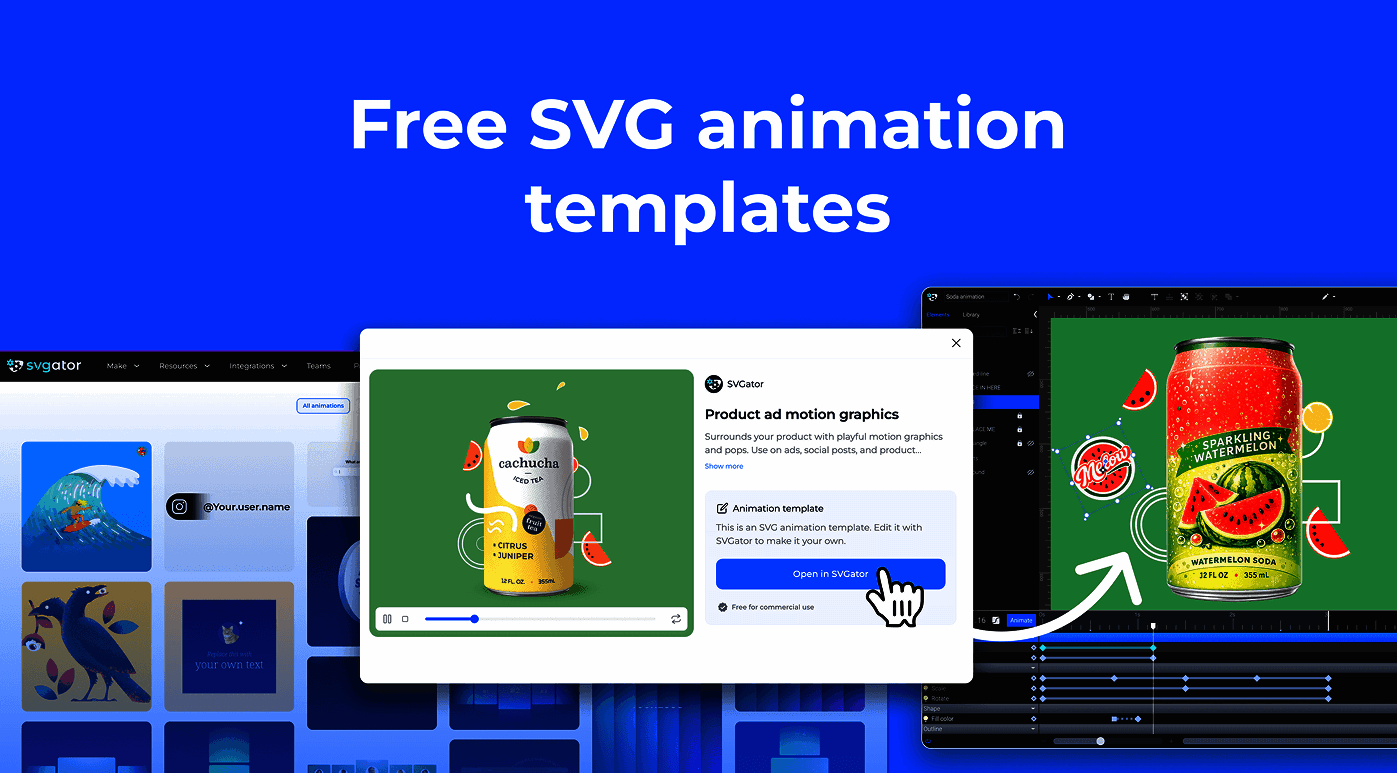
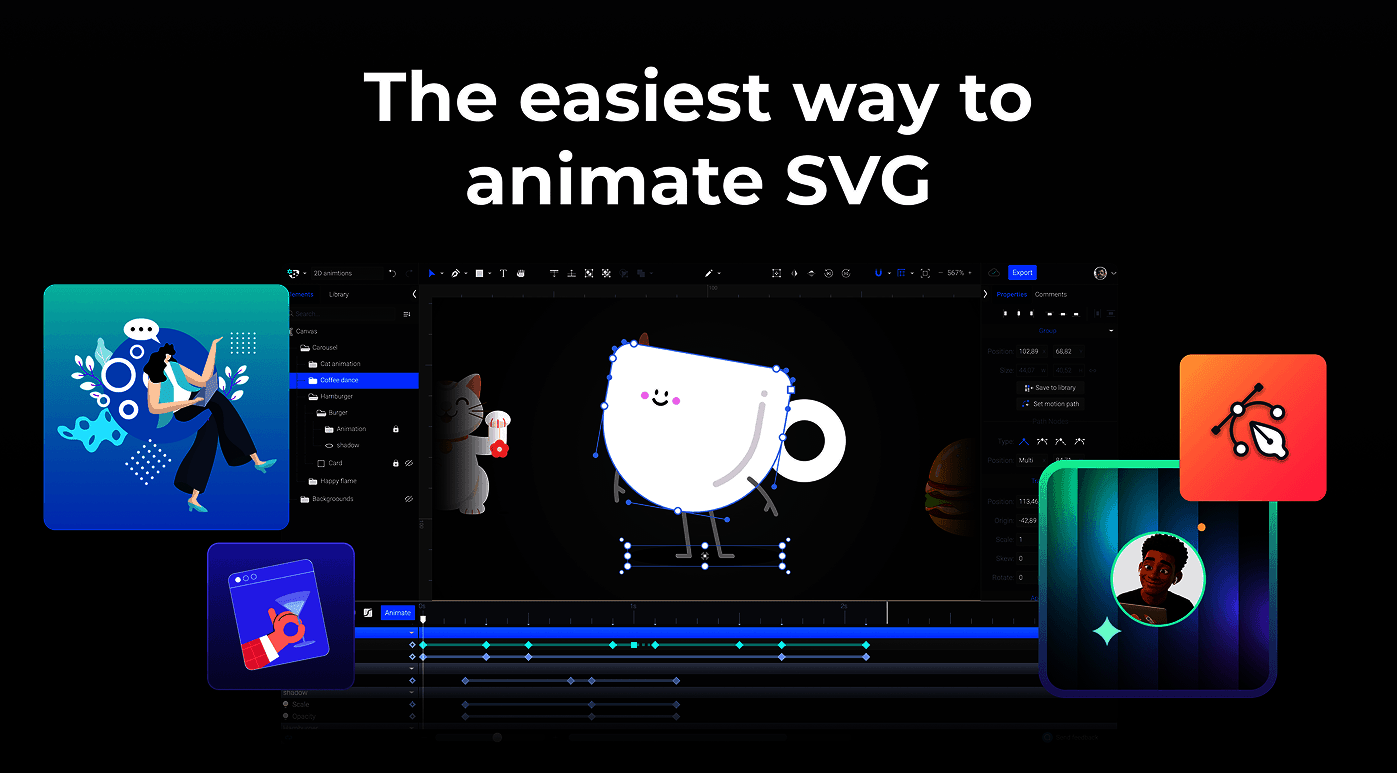
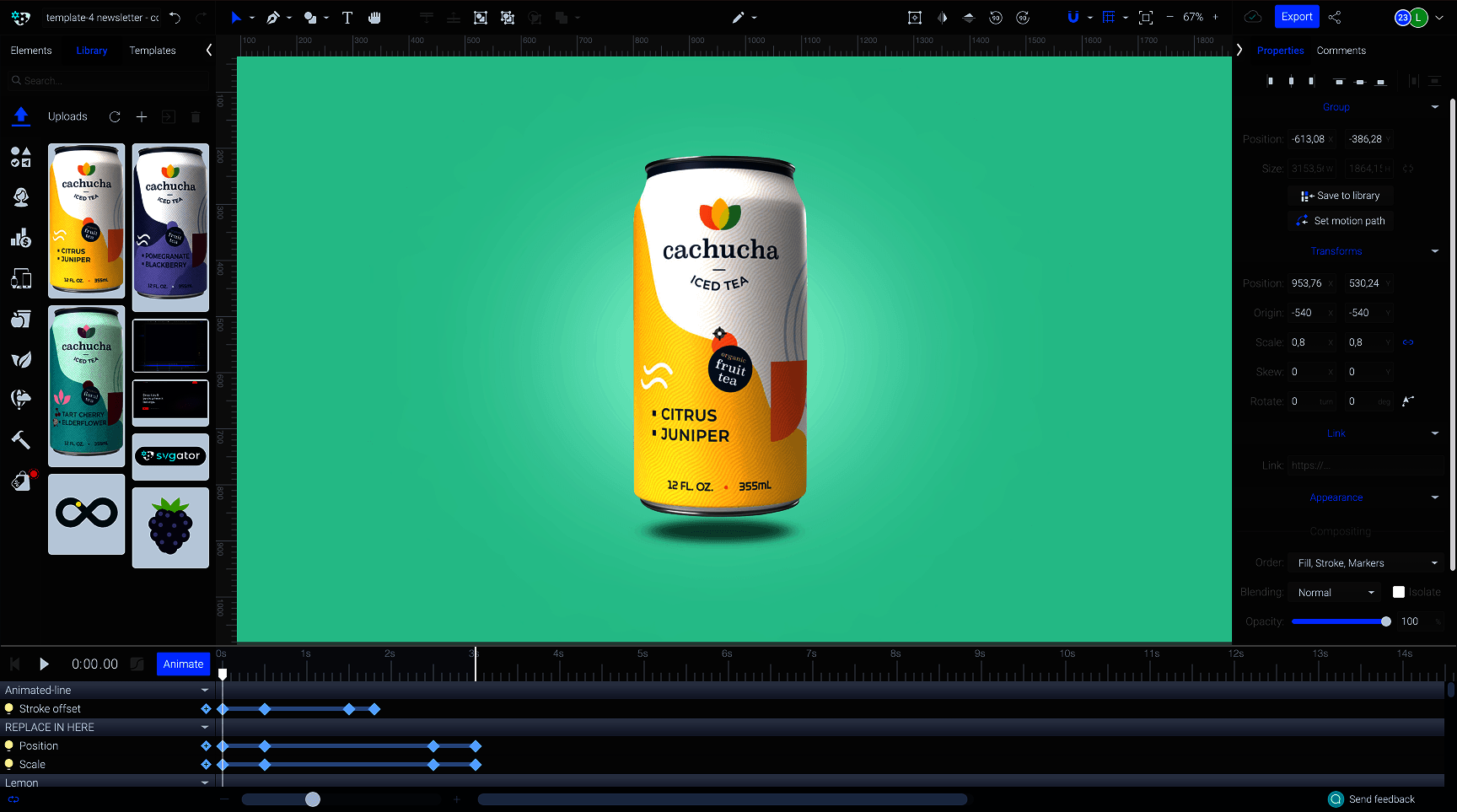
SVGator is a browser-based animation software that lets users create animations without any coding skills, in a WYSIWYG interface. Besides the animated SVG format, many other export formats are available: Lottie JSON, GIF, JS, .DART, multiple raster image formats, video formats, and more.
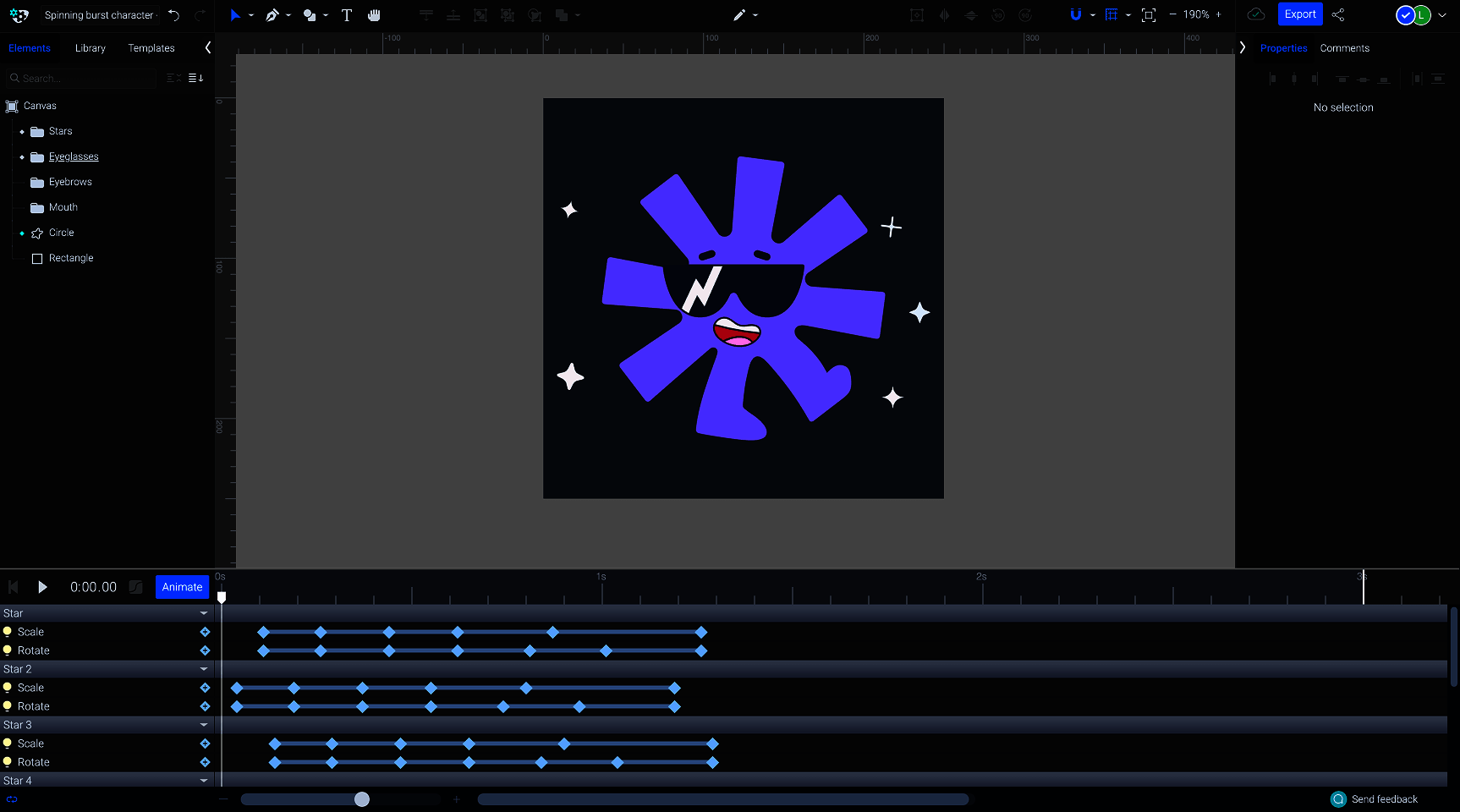
Custom easing functions, snapping, and interactivity are also supported, so the animation can be set to start on mouse-over, on scroll into view, or on click. The keyframe-based, friendly interface includes advanced animators like Morph, Filter, Color, Translate, Stroke, and many more.
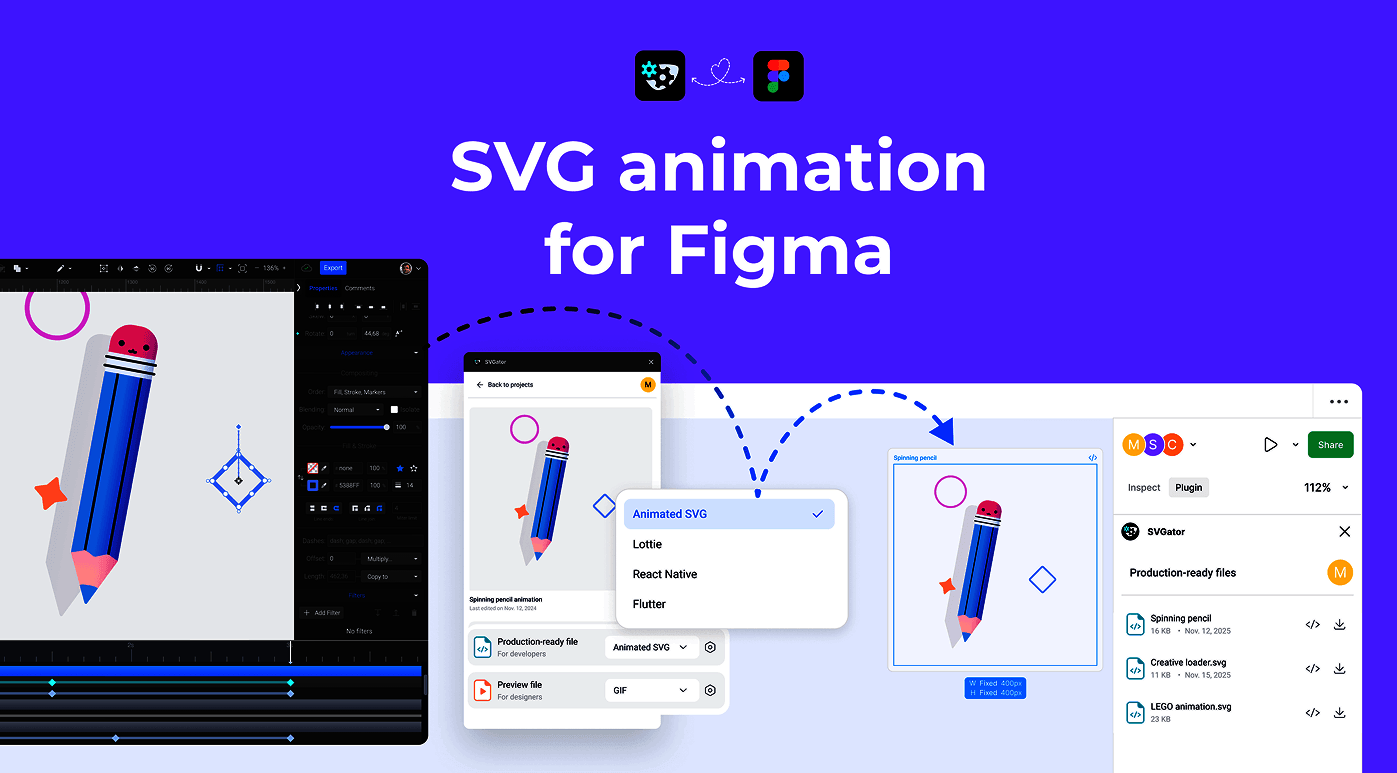
With Figma integration and a library of ready-made templates, there are more ways than ever to start an animation project and create stunning animated icons, logos, illustrations, and other graphic art in the fastest way possible.
Use SVGator MCP to connect your AI assistant to your account, so you can create, edit and export animations by chat. It’s free and works on every plan, and exports follow your plan’s limits.
No reviews yet. Rate this app or be the first to review.
Write a ReviewExplore alternative software options that can fulfill similar requirements as SVGator. Evaluate their features, pricing, and user feedback to find the perfect fit for your needs.
SVGator offers flexible pricing to fit your needs. Start with the Free plan to explore the full editor with every animator, animation templates and unlimited static SVG exports. It's a great way to see how it works.
Choose the Starter plan ($20/month, billed annually) for animated SVGs, Lottie, React Native and Flutter Exports, plus the Player API and interactive animations.
Upgrade to Pro ($24/month, billed annually) to export unlimited animations (Video & GIF) at max quality, unlimited viewers, commenting and a public share link which makes it a good fit for professionals.
The Teams dedicated plan ($27/user/month, billed annually) adds a shared workspace, edit access for members, centralized billing and priority support.
The top 5 features of SVGator are:
SVGator offers several customer support options:
SVGator serves a wide range of businesses, including but not limited to Freelancer, Startups, SMBs, Mid-Market & Enterprises.
Designers commonly use SVGator to animate logos, icons, illustrations, and user interface elements. It allows them to add motion to static graphics without relying on a developer, and export the animations as SVG, Lottie, GIF, or video for use on websites, in mobile apps, or on social media.
Some tools that are similar with SVGator are: LottieFiles and Rive. Compare and evaluate their features, advantages, disadvantages, and other aspects to find the best option for your business.
FTC Disclosure SoftwareSuggest may receive compensation from some vendors featured on this page. This does not influence our editorial evaluation or ratings.


