In search of the ideal Business Process Management Software that caters to your unique needs? As a savvy buyer, you're likely interested in user ratings, pricing, customer support, languages supported, features, and more. We've created a comprehensive comparison of ProcessMaker BPM versus Camunda. To get better insight, here’s how users have rated these products. ProcessMaker BPM is rated 4.0 while Camunda is rated 4.0.
You May Also Like
Featured products that are similar to the ones you selected below.
All Business Process Management Software Products ›››


Compare pricing of ProcessMaker BPM vs Camunda with the following detailed pricing plan info. ProcessMaker BPM has not provided information about its pricing. On the other hand, Camunda comes in 2 packages: Camunda Platform SaaS Starter, Camunda Platform SaaS Free.
Take a look at the below screenshots and seamlessly compare the user interface of ProcessMaker BPM and Camunda for better insights.
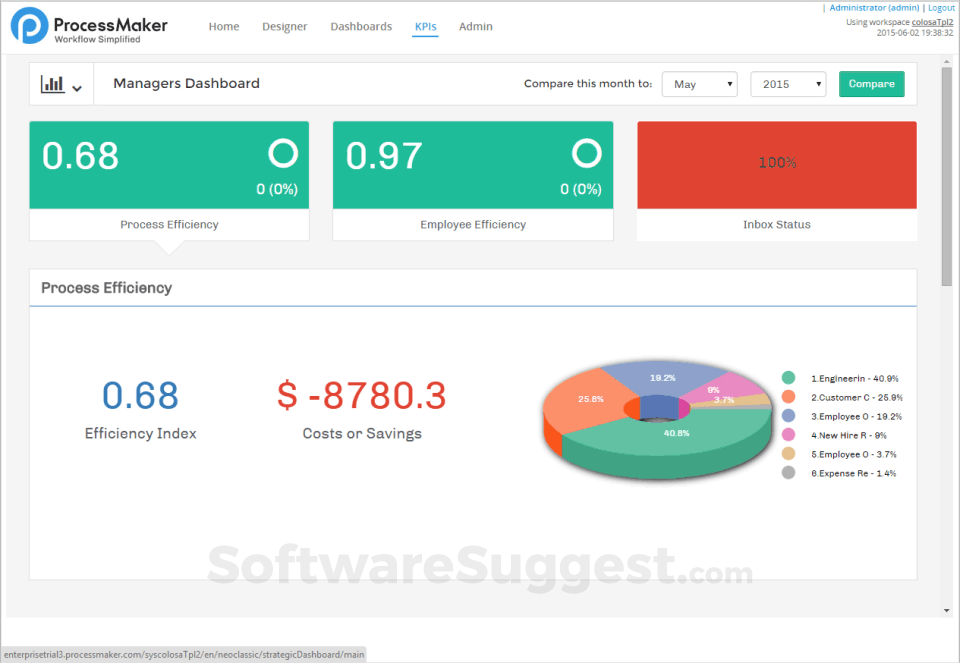

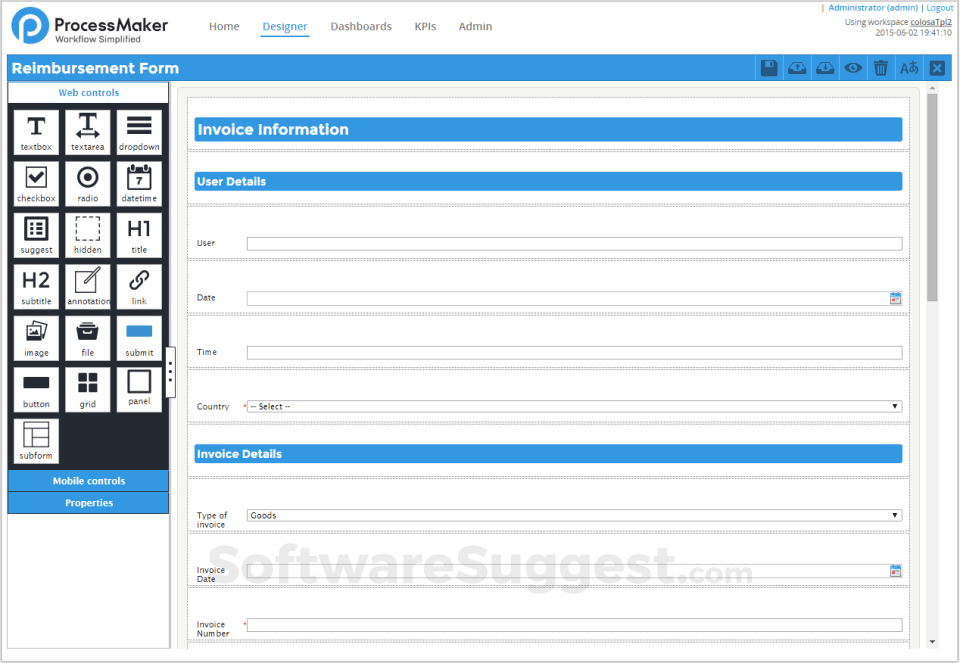

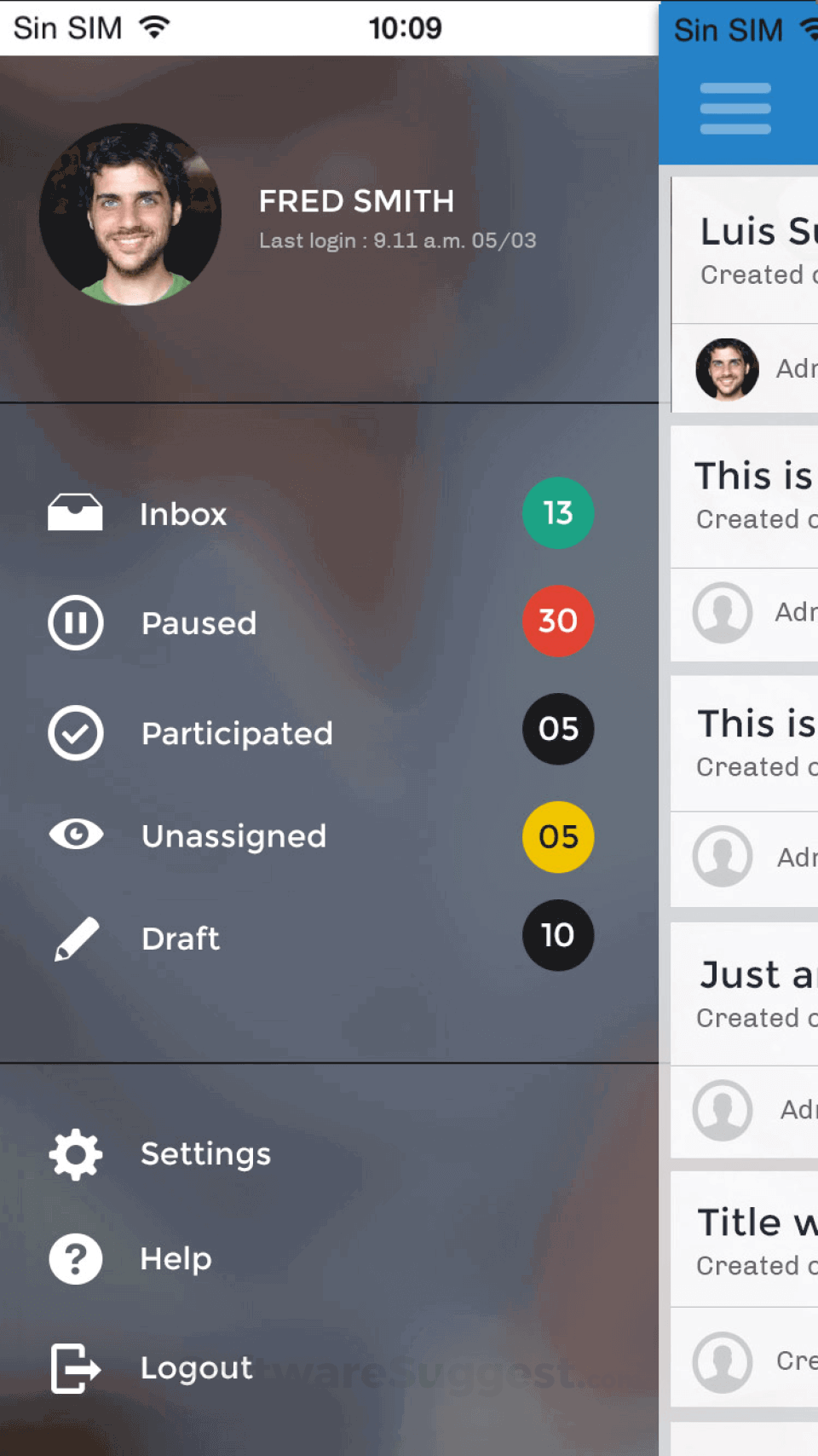

ProcessMaker BPM and Camunda have been awarded by SoftwareSuggest for the selected categories. These awards have been given on the basis of the overall performance of this software in the Business Process Management Software category.


Below is the comparison of the starting price and payment method of ProcessMaker BPM and Camunda. Information related to the payment plans of ProcessMaker BPM is unavailable. Whereas, Camunda provides Per Month payment plans. ProcessMaker BPM provides a free trial whereas, Camunda does not provide a free trial.
Free Trial
Monthly
Free Trial
Monthly
Yearly
Monthly
Yearly
Compare between ProcessMaker BPM and Camunda based on their key features and functionalities to pick the right one for your business.
Email Integration
Workflow Management
Process Management
Business Rules Management
Data Mapping
Lifecycle Management
Process Analysis
Process Capture
Process Modeling & Design
Optimize Management
Audit Trail
Email Integration
Task Management
Data Imports/Exports
Collaboration Tools
Workflow Management
Collaboration
Approval Process Control
Version Control
Audit Management
Collaboration

Compare how ProcessMaker BPM stacks up against Camunda in terms of ratings and user experience. Select the Business Process Management software that perfectly aligns with your business requirements.
Based on all the user reviews and ratings received by ProcessMaker BPM and Camunda in Business Process Management Software category, we've provided an average user rating for each software below. ProcessMaker BPM has 1 review while Camunda has 1 review
No reviews yet. Be the first to review
Write a reviewCamunda stands out in workflow systems
Pros
Task distribution to our own user data concept
Cons
accessibility of tasks and actions easily with built in funtions
No reviews yet. Be the first to review
Write a reviewDeployment is a crucial factor to consider while buying Business Process Management Software. ProcessMaker BPM is available on Web App, Windows desktop platforms and IOS, Android mobile platforms. Camunda is available on Windows, MacOs desktop platforms.
Web App
Windows
IOS
Android
Windows
MacOs
Web App
Windows
The quality and timeliness of support are important parameters when comparing ProcessMaker BPM with Camunda. ProcessMaker BPM offers Email to its customers, while Camunda provides Training and Tickets.
tickets
training
ProcessMaker BPM and Camunda are supported in the following languages.
English
English
English
The target customer base of ProcessMaker BPM vs Camunda is mentioned below. Check which software fits your business requirements perfectly.
Startups
SMBs
Agencies
Enterprises
Enterprises
Startups
SMBs
Agencies
Enterprises
To gain a better understanding of how these ProcessMaker BPM and Camunda work, you can check out the videos below. Browse through the videos and make the right choice.


Get insight into the company details ProcessMaker BPM and Camunda and learn how they operate. Explore the company name, its location, and more!
ProcessMaker Inc.