


Best Accounts Payable Software and Systems
Best accounts payable software Companies are CaptainBiz, Vyapar - Accounting & invoicing, TYASuite Procurement to Pay, Horizon ERP, and TallyPrime. This accounts payable systems automates the AP process from receiving the invoice all the way to paying suppliers while maintaining existing banking relationships and workflows.


No Cost Personal Advisor
List of 20 Best Accounts Payable Software

Airbase, the leading spend management platform for
Airbase modern spend management combines accounts payable, expense management, and corporate cards on one platform. It offers a guided procurement experience to manage all spend. Read Airbase Reviews
Explore various Airbase features, compare the pricing plans, and unlock the potential of seamless operations by selecting the right software for your business.
Features
View all Airbase Features- Mobile App
- Workflow Configuration
- Check Processing
- Recurring Billing
- Financial Reporting
- Spend Control
- ACH Payment Processing
- Approval Process Control
Airbase Caters to
- StartUps
- SMBs
- Agencies
- Enterprises
Contenders | 2024

Free Accounts Payable software for US businesses
Melio is a free Accounts Payable software for small businesses in the US. It allows businesses to pay vendors using bank transfers for free or through credit/debit cards, while the vendors get paid via a bank transfer or a check. Read Melio Reviews
Explore various Melio features, compare the pricing plans, and unlock the potential of seamless operations by selecting the right software for your business.
Features
View all Melio Features- ACH Payment Processing
- Online Payment Processing
- Billing Portal
- Duplicate Payment Alert
- Vendor Management
- Nonprofits
- Import / Export Management
- Project billing
Pricing
Melio Caters to
- StartUps
- SMBs
- Agencies
- Enterprises
Category Champions | 2024

Cloud Accounting Software Making Billing Painless
This bookkeeping software makes your accounting tasks easy, fast and secure. Start sending invoices, tracking time, and capturing expenses in minutes. We uphold a longstanding tradition of providing extraordinary customer service and building a product that helps save you time because we know you went into business to pursue your passion and serve your customers - not to learn to account. Read FreshBooks Reviews
Explore various FreshBooks features, compare the pricing plans, and unlock the potential of seamless operations by selecting the right software for your business.
Features
View all FreshBooks Features- Mobile Support
- Work order management
- Activity Tracking
- Accounting Management
- Dashboard
- Invoice Management
- Receipt Printing
- Billable Hours Tracking
Pricing
FreshBooks Caters to
- StartUps
- SMBs
- Agencies
- Enterprises
Category Champions | 2024

Leading cloud-based business management solution
Oracle Fusion Cloud ERP is a cloud-based, end-to-end, business management solution designed for mid to enterprise-level customers with advanced capabilities. Read Oracle Fusion Cloud ERP Reviews
Explore various Oracle Fusion Cloud ERP features, compare the pricing plans, and unlock the potential of seamless operations by selecting the right software for your business.
- Compensation Management
- Balance Sheet
- Access Controls/Permissions
- Audit Trails
- Drill Down Reports
- Materials Management
- Logistics Management
- Accounts Receivable
Oracle Fusion Cloud ERP Caters to
- StartUps
- SMBs
- Agencies
- Enterprises
Category Champions | 2024

A Businessman's Best Friend
Vyapar is a GST-compatible invoicing and accounting solution for small businesses. You can use it to create GST bills, fulfill orders, generate GSTR reports, track payments/expenses, and manage your inventory. Besides, you can use it to customize invoices and collect payments online. Read Vyapar Reviews
Explore various Vyapar features, compare the pricing plans, and unlock the potential of seamless operations by selecting the right software for your business.
Features
View all Vyapar Features- Customizable Catalogs
- MRP
- Fixed Asset Management
- Currency Management
- Billing Management
- For Retail
- Accounts Receivable
- Balance Sheet
Pricing
Silver- Desktop (1 year)
$ 40
Device/Year
Silver- Desktop + Mobile (1 year)
$ 47
Device/Year
Silver- Desktop (3 years)
$ 92
Device/ 3 Years
Vyapar Caters to
- StartUps
- SMBs
- Agencies
- Enterprises
Category Champions | 2024

Plug and Play Cloud ERP Solutions
TYASuite Procurement software is designed to effectively drive down costs, improve cash flow & automate multi-layered approval processes, in a single view. Read TYASuite Procurement to Pay Reviews
Explore various TYASuite Procurement to Pay features, compare the pricing plans, and unlock the potential of seamless operations by selecting the right software for your business.
- Billing & Invoicing
- Document Management
- Order Management
- Progress Tracking
- Reimbursement Management
- Procurement Management
- Invoice Management
- Inventory Management
Pricing
Start-up (Post Series B) 50+ Users
$ 12
Per Month
Start-up (Pre-Series C) 10 to 50 Users
$ 14
Per Month
Startup Plan Up to 10 Users
$ 17
Per Month
TYASuite Procurement to Pay Caters to
- StartUps
- SMBs
- Agencies
- Enterprises
Emergents | 2024

Software by Lightyear
Lightyear is a fully featured Accounts Payable Software designed to serve Agencies, SMEs. Lightyear provides end-to-end solutions designed for Web App. This online Accounts Payable system offers Bank Reconciliation, Approval Process Control, Duplicate Payment Alert, General Ledger Entry at one place. Learn more about Lightyear
Explore various Lightyear features, compare the pricing plans, and unlock the potential of seamless operations by selecting the right software for your business.
Features
View all Lightyear Features- Bank Reconciliation
- Approval Process Control
- Collections Management
- General Ledger Entry
- Document Management
- Duplicate Payment Alert
Pricing
Standard
$ 45
Per Month
Lightyear Caters to
- StartUps
- SMBs
- Agencies
- Enterprises
Category Champions | 2024

Software by Sage
Sage offers a complete desktop accounting software that helps you spend less time managing your accounts and more time developing your business. With its easy to use interface, Sage 50cloud Accounting has aided small businesses and entrepreneurs to operate efficiently and effectively. Special Offer: 40% off Sage 50cloud annual subscriptions | Coupon Code: D-1929-0020. Read Sage 50cloud Reviews
Explore various Sage 50cloud features, compare the pricing plans, and unlock the potential of seamless operations by selecting the right software for your business.
Features
View all Sage 50cloud Features- Billing Portal
- Fixed Asset Management
- Project Accounting
- Online invoicing
- Cash Management
- Customizable invoices
- Tax Calculator
- Revenue Recognition
Pricing
Pro Accounting
$ 51
Per Month
Premium Accounting
$ 78
Per Month
Quantum Accounting
$ 198
Per Month
Sage 50cloud Caters to
- StartUps
- SMBs
- Agencies
- Enterprises
Emergents | 2024

The only procurement software that's flexible
Kissflow Procurement Cloud is a flexible procure-to-pay suite that enables businesses of all sizes to streamline their procurement processes from sourcing to invoice processing and supplier management. Learn more about Kissflow Procurement Cloud
Explore various Kissflow Procurement Cloud features, compare the pricing plans, and unlock the potential of seamless operations by selecting the right software for your business.
- Supplier Management
- Catalog Management
- Budget Management
- Purchase Order Management
- Purchase Orders
- Sourcing Management
- Supplier Qualification
- Mobile Access
Pricing
Starts at
$ 1990
Per Month
Kissflow Procurement Cloud Caters to
- StartUps
- SMBs
- Agencies
- Enterprises
Contenders | 2024

Software by Xero Limited
Speed up your operation by taking the help of Xero, the leading accounts payable automation software. The user-friendly ap automation software helps you to improve the productivity of tedious tasks like invoice generation and billing. Read Xero Accounting Reviews
Explore various Xero Accounting features, compare the pricing plans, and unlock the potential of seamless operations by selecting the right software for your business.
Features
View all Xero Accounting Features- Task Management
- HR & Payroll
- Time Tracking
- Bonus
- Invoice
- Banking Integration
- Product Database
- Inventory Management
Pricing
Starter
$ 9
Per Month
Standard
$ 30
Per Month
Premium
$ 60
Per Month
Xero Accounting Caters to
- StartUps
- SMBs
- Agencies
- Enterprises
Emergents | 2024
.png)
Automate Your Business Expense!
Finly is a finance management and governance suite for businesses to automate, gain visibility and control business spend. The platform comprises of scalable and intelligent expense management and e-procurement system. Learn more about Finly
Explore various Finly features, compare the pricing plans, and unlock the potential of seamless operations by selecting the right software for your business.
Features
View all Finly Features- Invoice Management
- Purchase Orders
- Invoices
- Multi-Currency
- Data Imports/Exports
- Time & Expense Tracking
- eReceipt Import
- Workflow Management
Pricing
Medium Enterprise
$ 3
Per Month
Finly Caters to
- StartUps
- SMBs
- Agencies
- Enterprises
Emergents | 2024

The power of memory
Crown's APDMS accurately captures, organises, & delivers invoice documents (received via email, post, EDI or e-invoice), along with supporting content, to the appropriate individual(s) for review, approval, & automated processing. Learn more about Crown Accounts Payable DMS
Explore various Crown Accounts Payable DMS features, compare the pricing plans, and unlock the potential of seamless operations by selecting the right software for your business.
- Approval Process Control
- Vendor Management
- Online Payment Processing
- Data Verification
- Bank Reconciliation
- Document Management
- Invoice Processing
- Audit Trail
Crown Accounts Payable DMS Caters to
- StartUps
- SMBs
- Agencies
- Enterprises
Emergents | 2024

Software by Chargebee
Simplify your account logs by using this recurring billing software which has made it easier to handle subscriptions. Make payments using Chargebee to generate timely invoices. It provides recurring billing solutions to handle billing smoothly. Learn more about Chargebee
Explore various Chargebee features, compare the pricing plans, and unlock the potential of seamless operations by selecting the right software for your business.
Features
View all Chargebee Features- Multi-Currency
- Recurring Donations
- Subscription Billing
- Multi-Period Recurring Billing
- Discount Management
- Customer Portal
- Dunning Management
- Invoice history
Pricing
Go
$ 99
Per Month
Rise
$ 299
Per Month
Scale
$ 599
Per Month
Chargebee Caters to
- StartUps
- SMBs
- Agencies
- Enterprises
Emergents | 2024

The Most Powerful AP Automation Available
Stampli is a fully featured Accounts Payable Software designed to serve Startups, Agencies. Stampli provides end-to-end solutions designed for Windows. This online Accounts Payable system offers Vendor Management, Approval Process Control, Fraud detection, Duplicate Payment Alert, General Ledger Entry at one place. Learn more about Stampli
Explore various Stampli features, compare the pricing plans, and unlock the potential of seamless operations by selecting the right software for your business.
Features
View all Stampli Features- Check Printing
- Fraud detection
- General Ledger Entry
- Audit Trail
- Online payments
- Vendor Management
- Document Management
- Approval Process Control
Stampli Caters to
- StartUps
- SMBs
- Agencies
- Enterprises
Emergents | 2024

Software by Tipalti
Tipalti is the leading company Accounting Software for launching new payments technology. It has a nice user interface. Serves the way of advanced modules i.e scale rapid;y, reducing financial and compliance risk, produce income and build a strong relationship with a supplier. Read Tipalti Reviews
Explore various Tipalti features, compare the pricing plans, and unlock the potential of seamless operations by selecting the right software for your business.
Features
View all Tipalti Features- Project Management
- Production Management
- Document Printing
- Tax Management
- Bank Reconciliation
- Project Accounting
- Email Integration
- Revenue Management
Tipalti Caters to
- StartUps
- SMBs
- Agencies
- Enterprises
Emergents | 2024

The operations excellence platform
Streamline operations and business processes with a highly-customizable platform. Deploy in minutes and without the need of IT support or technical skills. Free for up to 10 users. Read Pipefy Reviews
Explore various Pipefy features, compare the pricing plans, and unlock the potential of seamless operations by selecting the right software for your business.
Features
View all Pipefy Features- Approval Process Control
- Business Rules Management
- Alerts/Notifications
- Help Desk Management
- Forms Management
- Workflow Management
- Task Management
- Application Integration
Pricing
Professional Plan
$ 12
User/Month
Pipefy Caters to
- StartUps
- SMBs
- Agencies
- Enterprises
Contenders | 2024

Captain Biz is a sales and purchase invoice manage
CaptainBiz is a simple-to-use software solution to manage your business hassle-free. Generate tax invoices, track inventory in real-time, manage customers & suppliers, and monitor cash & bank transactions, all in one place, over PC or mobile. Endorsed by GST govt. of India as an affordable and easy-to-use solution for both GST and non-GST companies. Read CaptainBiz Reviews
Explore various CaptainBiz features, compare the pricing plans, and unlock the potential of seamless operations by selecting the right software for your business.
Features
View all CaptainBiz Features- Monthly GST Report
- Sales Management
- Multi Company
- Email Integration
- GST Ready
- Reporting
- GST audit report
- Purchase Management
CaptainBiz Caters to
- StartUps
- SMBs
- Agencies
- Enterprises
Contenders | 2024

Software by Bill.com
Bill.com is complete online-based accounting software for ACH payments, and send electronic invoices and payment reminders. It takes less time to solve the problem and unique content of the site attracts to users. Read Bill.com Reviews
Explore various Bill.com features, compare the pricing plans, and unlock the potential of seamless operations by selecting the right software for your business.
Features
View all Bill.com Features- Partial Payments
- Check Processing
- Overpayment Processing
- Email Integration
- ACH Payment Processing
- Bank Reconciliation
- Collection management
- CPA Firms
Pricing
Essential
$ 29
User/Month
Team
$ 39
User/Month
Corporate
$ 59
User/Month
Bill.com Caters to
- StartUps
- SMBs
- Agencies
- Enterprises
Emergents | 2024

Software by Beanworks
Beanworks provides modules which cater to the needs regarding the payable accounts of your business. It integrates with most of the accounting software such as Quickbooks, Netsuite, Sage, and so on. Learn more about Beanworks
Explore various Beanworks features, compare the pricing plans, and unlock the potential of seamless operations by selecting the right software for your business.
Features
View all Beanworks Features- Approval Process Control
- Cash Management
- Duplicate Payment Alert
- Check Printing
Pricing
Small Business
$ 300
Per Year
Beanworks Caters to
- StartUps
- SMBs
- Agencies
- Enterprises
Category Champions | 2024
.png)
Power of Simplicity
TallyPrime is India’s leading business management software for GST, accounting, inventory, banking, and payroll. TallyPrime is affordable and is one of the most popular business management software, used by nearly 20 lakh businesses worldwide. Read TallyPrime Reviews
Explore various TallyPrime features, compare the pricing plans, and unlock the potential of seamless operations by selecting the right software for your business.
Features
View all TallyPrime Features- Purchasing & Receiving
- Customer Support
- Accounting
- Asset Management
- Job Work
- Voucher Management
- Balance Sheet
- Document Printing
TallyPrime Caters to
- StartUps
- SMBs
- Agencies
- Enterprises
Get Free Expert Advice

Recent Review
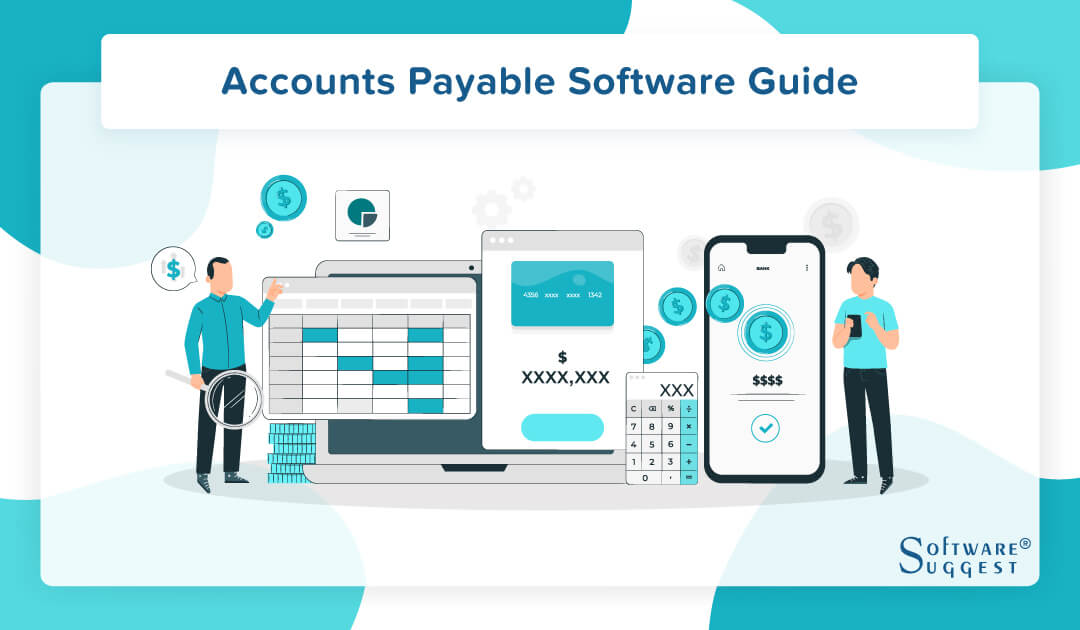
What is Accounts Payable Software?
Accounts payable software is a system that automates the process of business payments by utilizing a customized set of instructions built for each function.
Account payable software is part of broader accounting applications used by companies to track their debts and other financial responsibilities. There are three core modules of accounting and financial software: -
- General ledger - Contains the company's financial records.
- Accounts receivable - Responsible for charges that owe the company money.
- Accounts payable - Takes care of company debts.
Accounting software is used to automate the handling of invoices and financial transactions between companies and their suppliers. Automating account reconciliation can reduce manual work, eliminate human errors, improve the efficiency and accuracy of the AP department, and help with other accounting tasks, such as financial closing.
The main difference between AP automation software and billing software is that AP automation only focuses on purchase transactions. In contrast, billing and invoicing software manages sales and purchase invoices.
Types of Accounts Payable Software
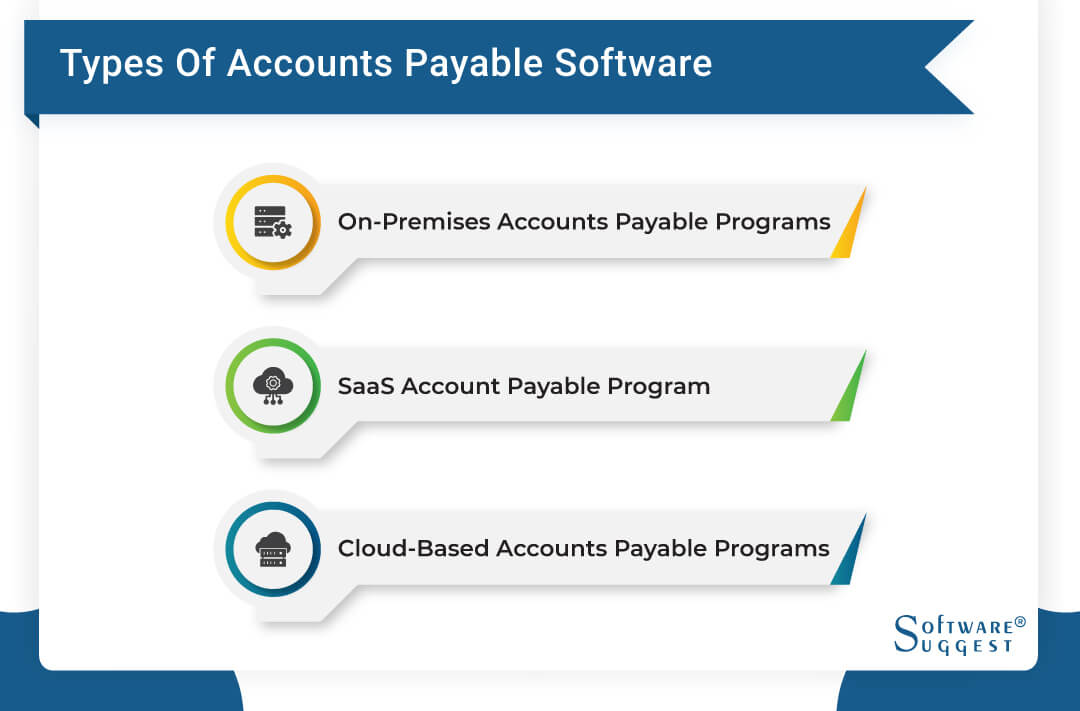
Accounts payable software tools vary widely in cost and accuracy, from free, basic packages to ultra-expensive and accurate ones. In addition to features, categorization criteria can also include functionality, such as some programs only dealing with online accounting software. In contrast, others are more advanced and allow accountants to create payrolls and third-party payrolls and track inventory.
The requirement of deployment is another imperative factor based on which there are:
-
On-Premises Accounts Payable Programs
The client hosts them on their server and is covered by a single license.
-
SaaS Account Payable Program
These programs typically cost per month and are hosted by vendors.
-
Cloud-Based Accounts Payable Programs
Most of these offer free basic plans, and because they are universally accessible and there is no need to update or maintain them, they are considered the most affordable.
What are the Key Features of Accounts Payable Software?
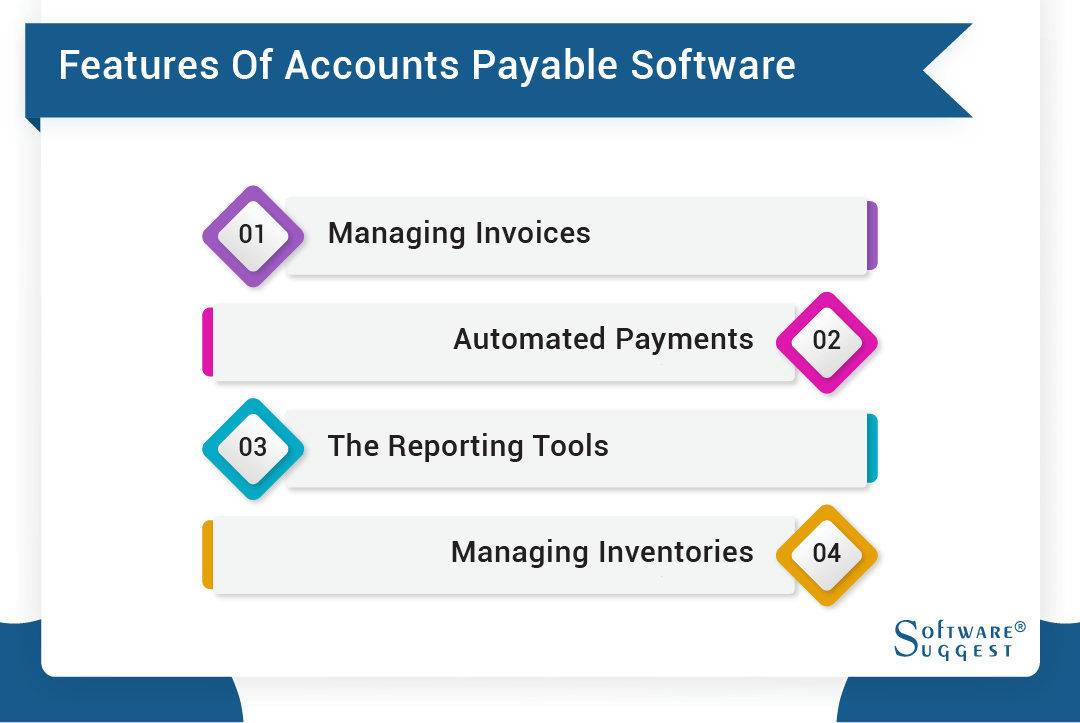
Several accounts payable software providers are out there, and selecting one to use while comparing their features and pricing can be complex. Here are some of the features your business will need from accounts payable software -
-
Managing Invoices
Invoices can be handled efficiently by a potential accounts payable system. Therefore, when selecting account payable software, keep invoicing capabilities in mind. With capabilities to generate invoices, your system can tell you when our business owes money, how much the amount is, and when the vendor expects to be paid.
You can usually access invoices virtually anywhere with most systems. For example, an accounts payable system generally handles between 1000 and 2000 invoices per month. Additionally, it can initiate payments efficiently and promptly.
-
Automated Payments
Automated payments are made easier with direct deposits. By automating your entire payment process, you can focus on the growth of your business. The system can input all the necessary vendor details from the database, saving you much time. Payments can also be prioritized at a specified time and date. In addition, paying your taxes electronically can prevent your business from being penalized for late payments.
-
The Reporting Tools
AP is capable of providing real-time reporting without the need for human intervention. Ensures all business information is recorded, including balance sheets, tracking the previous day's activities, and reporting on revenue and costs. It mainly generates a report based on the company's total expenditures and specific payments between departments. In addition, it allows you to record payments directly into the software or import them from another integrated account. This allows for immediate access to critical information.
-
Managing Inventories
Effective financial management is essential for any business. In particular, Businesses must take care of accounts payable and inventory. A company that keeps track of inventory turnover is less likely to run into a credit crisis. Consequently, the software ensures that you pay suppliers on time and manage your stocks to obtain supplier credit for purchasing more inventory, as suppliers can provide additional credit for buying more merchandise if you make timely payments.
What are the Key Benefits of Accounts Payable Automation Software?
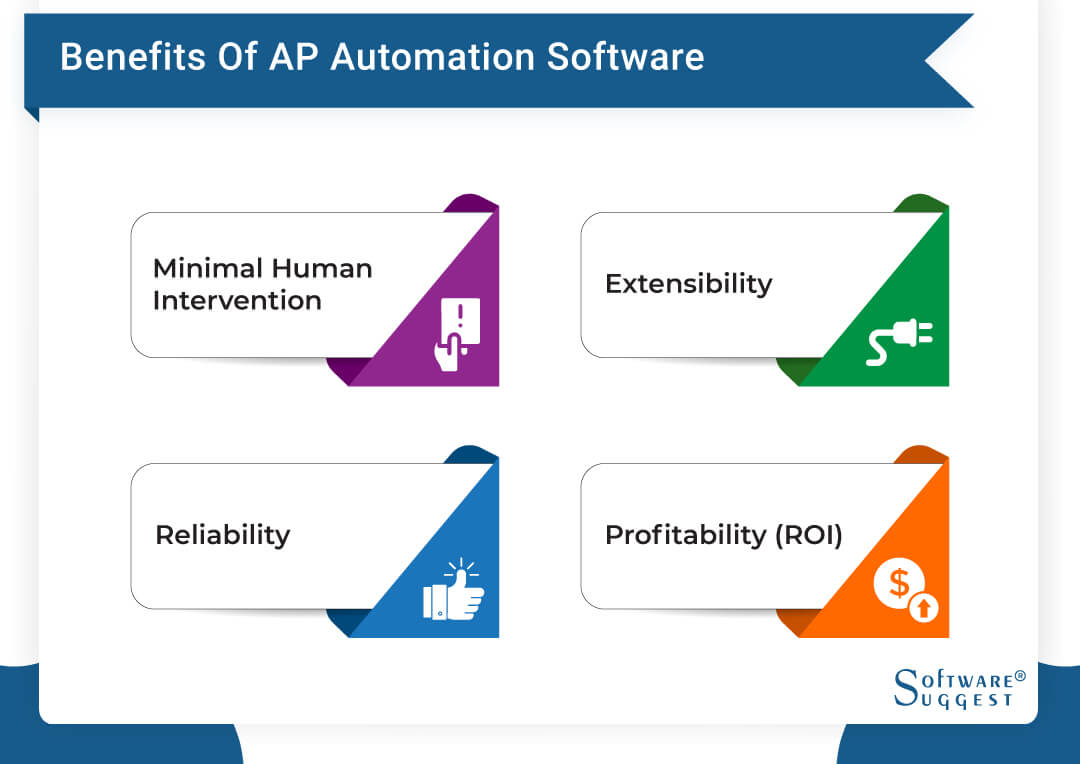
This software not only automates tasks but also saves time and money.
-
Minimal Human Intervention
An AP automation solution can decrease the amount of manual intervention that can impede the speed and efficiency of the AP team. The process of paying an invoice, receiving the necessary approval, and sending the payment can be lengthy if each of these steps is done manually. AP automation software can help eliminate most of these steps, letting AP teams do more than track down and pay invoices.
-
Reliability
Companies achieve AP accuracy by matching POs, supplier invoices, and payments. This assures that they are paying only for what they purchased and that processing errors do not adversely affect their profitability.
-
Profitability (ROI)
ROI can be achieved relatively quickly for AP automation software. It isn't expensive and runs on the cloud, making implementation easy. AP automation can save costs and increase productivity immediately.
-
Extensibility
Businesses whose activities fluctuate in time may find the scalability of payables operations challenging. For instance, thousands of invoices may need to be processed per week or month during peak business periods, while at slower times, only a few invoices may be generated.
Accounts Payable Software - Some Important Integrations
The accounts payable process is not a stand-alone act but part of the broader business process. Therefore, your account payable module should ensure that the payables ledger information about the current liabilities is efficiently delivered to the balance sheet in the general ledger. Many integrated accounting systems automatically export Accounts Payable data in real time.
If that is not possible, verify that the Accounts Payable module exports data to the general ledger in a format that can be interpreted. AP is an integral part of every type of business, which means that you may need to integrate the AP tools with other tools related to your CRM system and sales processes. Here are three crucial AP integrations:
-
A CRM & Sales tool for tracking payments and bills can be processed further through an AP tool.
-
Billing software to calculate income and cost owed and integrate with an accounts payable database.
-
Payments can be made online to vendors and suppliers with digital payment wallets.
Accounts Payable Automation Software Trends
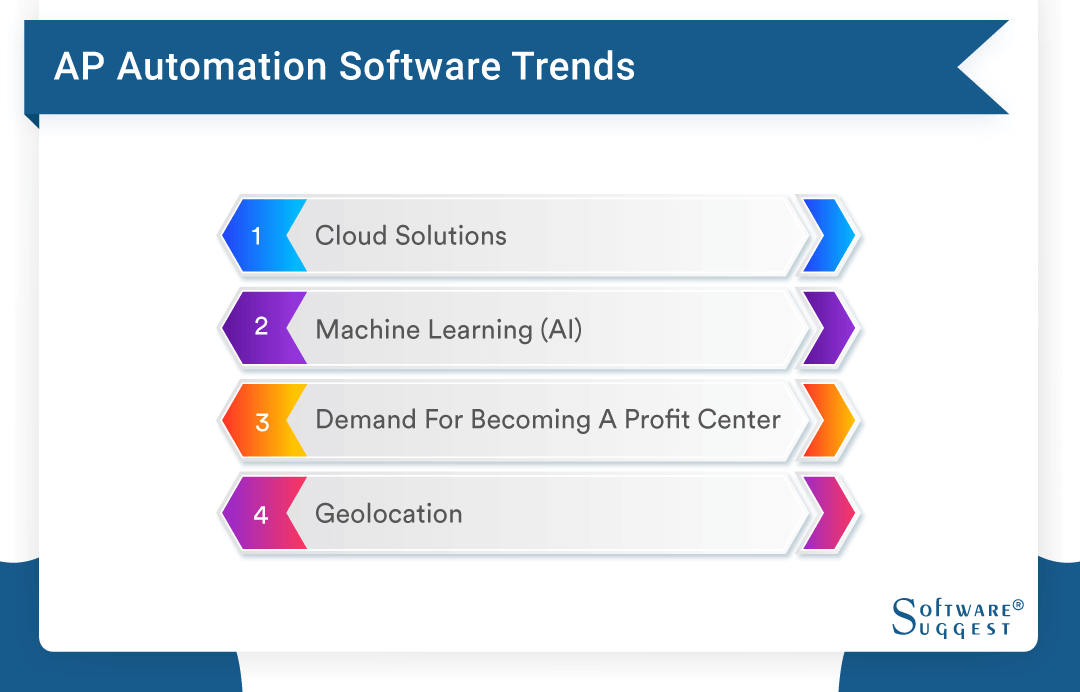
-
Cloud Solutions
In addition to AP automation platforms, cloud-based options have several advantages over on-premises options. They can be more efficiently integrated into existing systems, such as an ERP, enabling product upgrades and new features to be released to customers more quickly. Additionally, companies can implement a prepackaged or customized AP automation platform faster, thereby increasing ROI.
-
Machine learning (AI)
Artificial Intelligence (AI) can analyze large amounts of AP transactions to discover hidden errors. It can also be utilized to identify potential future issues with purchases, such as late payments. Artificial Intelligence (AI) can also create bots to assist employees and suppliers. While AI is still in its infancy, it is already used to improve accuracy and speed up managing large numbers of transactions.
-
Demand for Becoming a Profit Center
ROI can be achieved relatively quickly for AP automation software. It isn't expensive and runs on the cloud, making implementation easy. AP automation can save costs and increase productivity immediately.
-
Extensibility
Businesses whose activities fluctuate in time may find the scalability of payables operations challenging. For instance, thousands of invoices may need to be processed per week or month during peak business periods, while at slower times, only a few invoices may be generated.
Common Problem can Face with Accounts Payable Automation Software
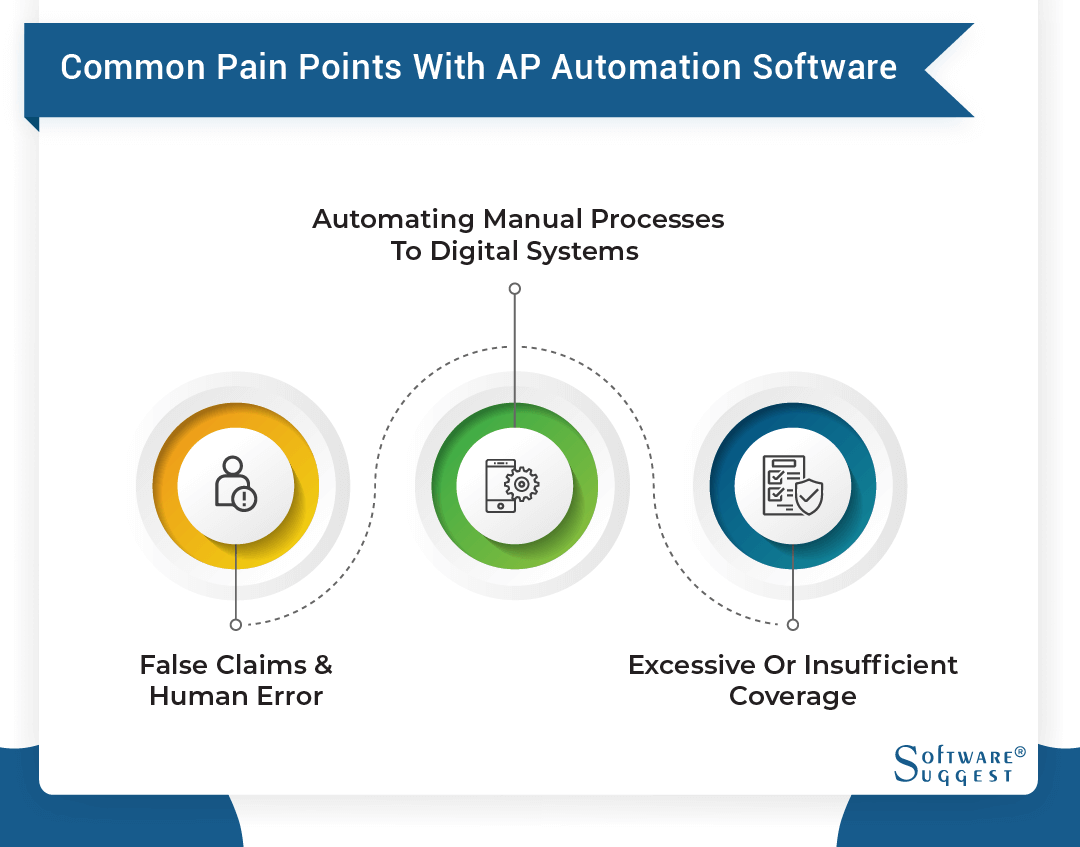
There are still a few specific challenges that need to be addressed when looking for accounts payable software platforms despite the many benefits it provides -
-
False Claims & Human Error
According to the Association for Financial Professionals, 74% of respondents said their organizations had been victimized by payments fraud in 2016, up from 61% in 2013. Utilize preventative measures such as using electronic payment, reconciling your checking accounts promptly, locking up your blank check stock, and centralized reviewing of your check writing process.
-
Automating Manual Processes to Digital Systems
According to a report by HelpSystems, companies process an average of 290,667 invoices each year, 58% of which are sent by U.S. mail. A manual AP process can cost $35 more than an automated one.
-
Excessive or Insufficient Coverage
A comprehensive AP solution is unnecessary for every company. It is imperative that an organization's software can handle the volume of invoices it deals with monthly. In addition, it should save the necessary data about the vendors it has relationships with.
Top 10 Accounts Payable Systems for Small Businesses
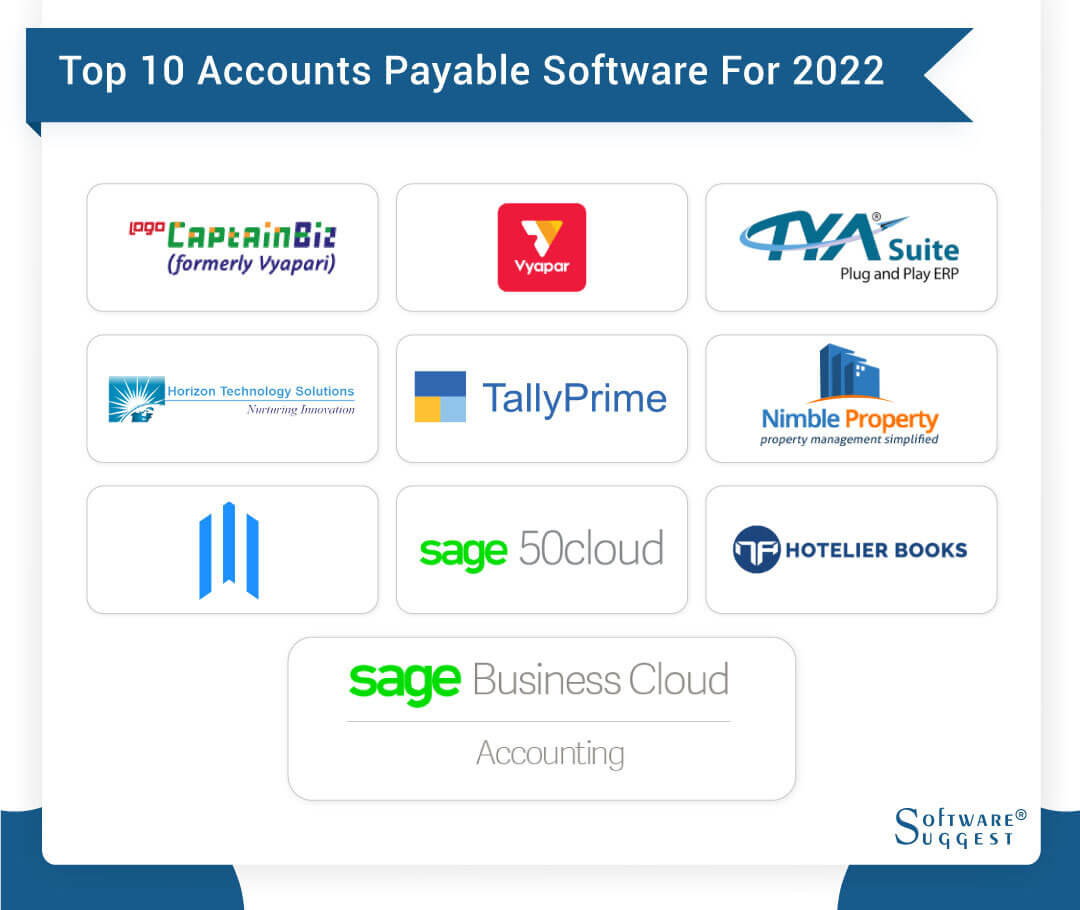
-
CaptainBiz
All-in-one solution enabling you to create invoices, track inventory, manage customers and suppliers, and monitor cash and bank transactions. It is an affordable and easy-to-use solution for both GST and non-GST companies.
-
Vyapar - Accounting & Invoicing
Vyapar is a GST-compliant invoicing and accounting solution. It allows users to create GST bills, fulfill orders, generate GSTR reports, track payments, and expenses, and manage inventory.
-
TYASuite Procurement to Pay
The company provides exceptional cloud-based ERP solutions & the features include smart requisitions, full-proof data security, flexible purchase orders, dynamic invoicing, in-depth reports, and digital payments.
-
Horizon ERP
Horizon ERP has an easy-to-use interface that makes learning more efficient. In addition, its robust platform can handle hundreds of thousands of invoices per year.
-
TallyPrime
A leading business management solution, TallyPrime offers accounting, stock control, reporting, and payroll features without charging additional fees, making it affordable for small and medium businesses.
-
Nimble Property
A comprehensive and tailored accounting and analytics platform for the hotel industry provides real-time insight and visibility into financial and operational data.
-
Lead ERP
With Lead ERP, you can bridge the gap between generic accounting systems. Additionally, Lead ERP offers integrated EWay billing and electronic invoicing, cloud integration, and remote access.
-
Sage 50 cloud
Sage offers a full suite of desktop accounting software that lets you focus on growing your business, not managing your accounts. In addition, Sage 50 cloud Accounting has allowed small and medium-sized enterprises to operate efficiently with its intuitive design.
-
Sage Business Cloud Accounting
The Sage software for small businesses allows you to access essential information anytime, anywhere. You can manage cash flow, send and track invoices, and make invoice payments via cloud & mobile apps.
-
Hotelier Books
With the best hotel management software in the U.S., Hotelier Books provides you with the tools to streamline your hotel's accounting and financial operations so that you can run a profitable operation.
Related Articles of Accounts Payable Software:
FAQs
Accounts payable are the amounts that a business owes its vendors, while accounts receivable are the amounts customers owe a company.
The price of entry-level accounts payable software starts at around $39 a month per user and can go up to over $150 a month, based on features offered and the company's size. Small businesses' on-premise licensing starts at $200 for enterprise-level products.
This software comprises instructions designed to automate start-to-finish business payment processes. It classifies, matches, and verifies information, then forwards the data into your accounting system for posting.
When comparing AP automation software, organizations should focus on the following five key features:
- Data capture and digital document management
- Workflow automation
- Streamlined payments
- Analysis and visualization of data
- Cybersecurity and governance
ERP accounts payable software puts the most significant emphasis on AP automation and offers the most advanced features available in the market today.
By Countries